Last updated: March 18, 2026
Goal: Diagnose why a specific date/time isn’t showing as bookable.
Where: Availability, Settings → Booking rules, and Calendar sync.
Steps
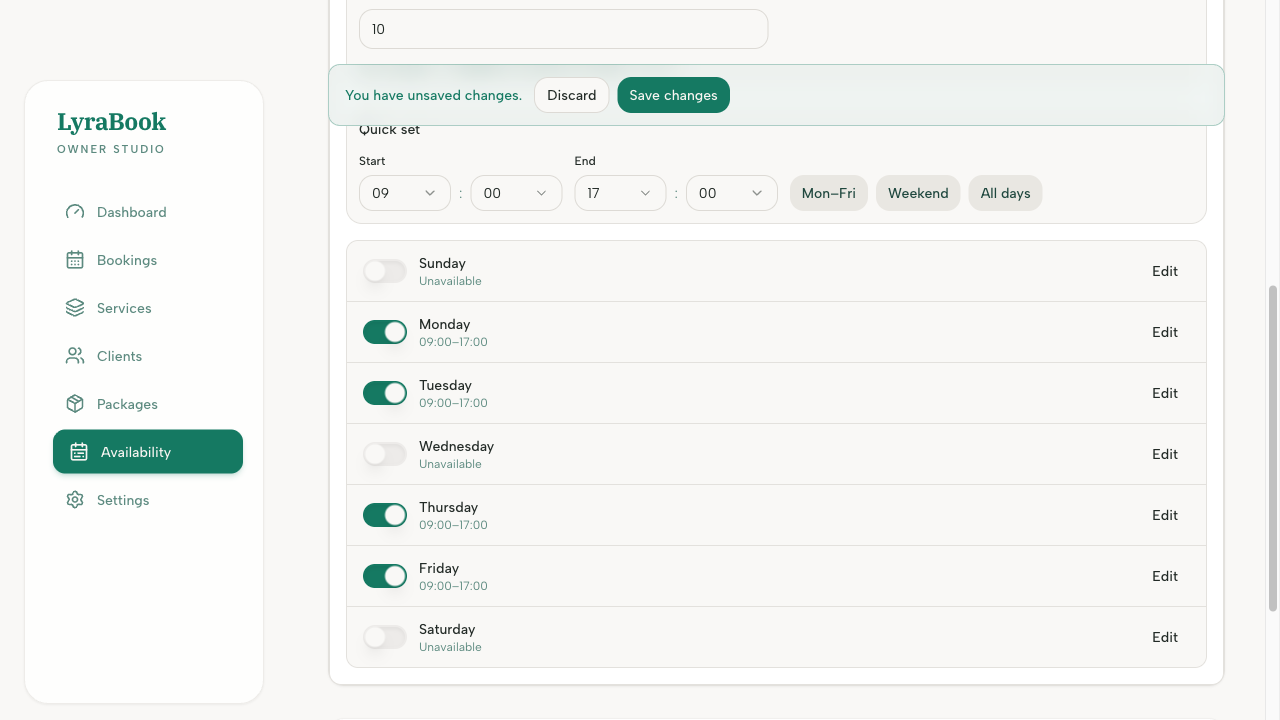
- Check Weekly availability includes that day/time.
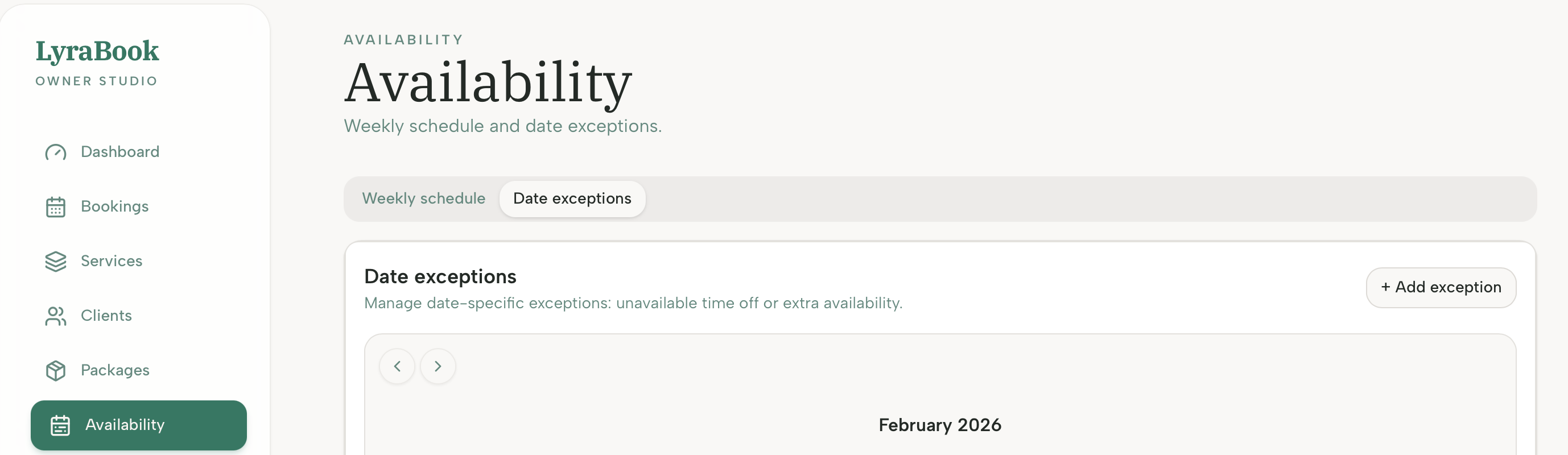
- Check Overrides/Time off aren’t blocking it.
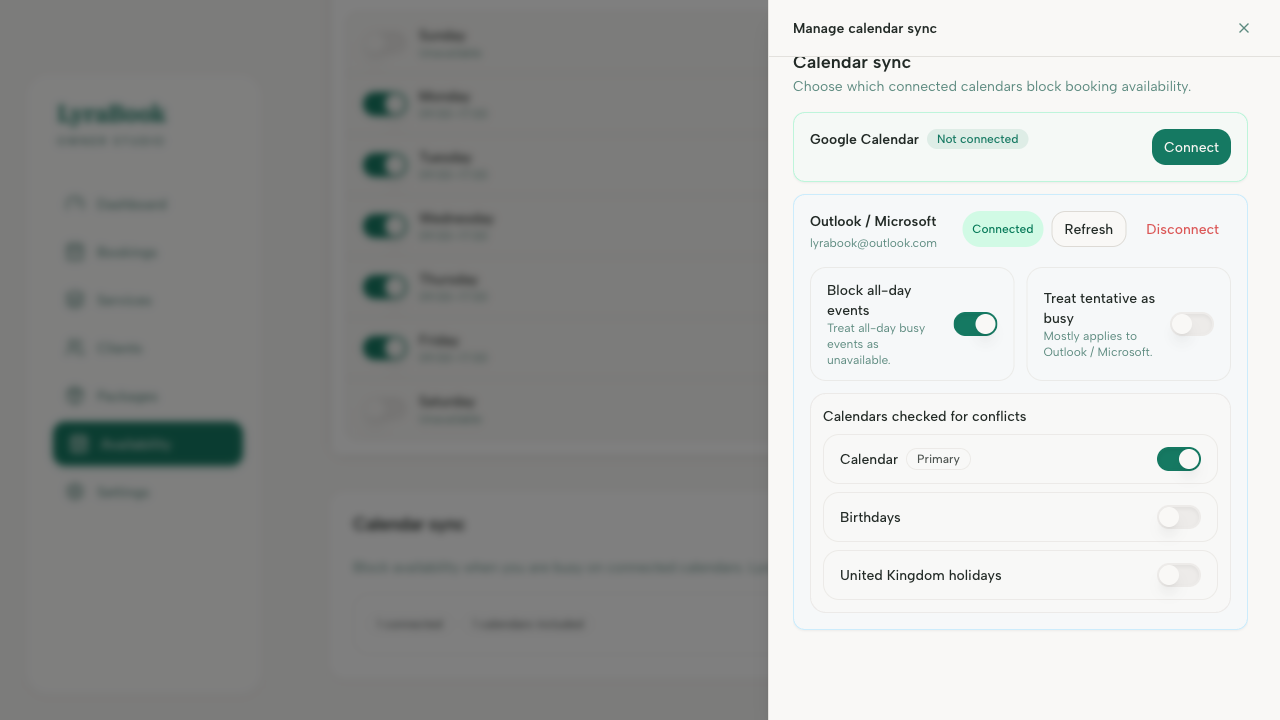
- If calendar sync is enabled, check if you have a busy event during that time.
- Confirm Minimum booking notice isn’t excluding it (e.g., slot is too soon).
- Confirm Buffer time isn’t making the slot invalid (not enough room).
- Confirm the service duration fits inside the available window.
Notes
A slot can be “missing” for multiple reasons at once — start by confirming weekly availability, then work down the list.