Last updated: March 18, 2026
Goal: Define the weekly times clients can book you.
Where: Availability page.
Steps
- Go to Availability.
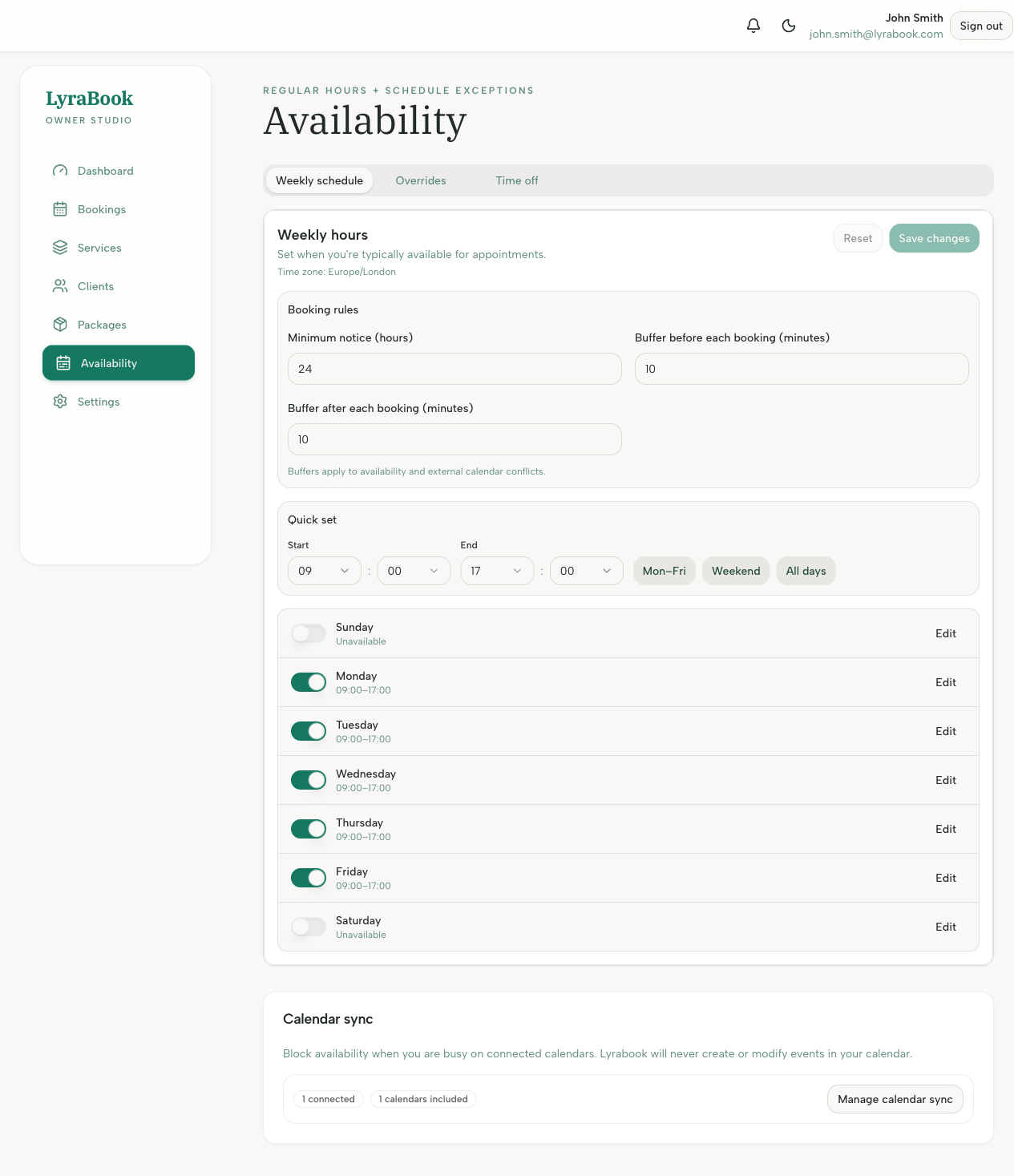
- For each day you work, add one or more time windows (e.g., 09:00–12:00, 13:00–17:00).
- Repeat for all relevant days.
- Click Save.
- Visit your booking link to confirm slots appear as expected.
Notes
No weekly availability means no bookable times. If you work split shifts, add multiple windows in the same day.