Last updated: March 18, 2026
Goal: Block out time (holiday, appointment) or create one-off availability changes.
Where: Availability → Date exceptions.
Steps
- Go to Availability.
- Open Date exceptions
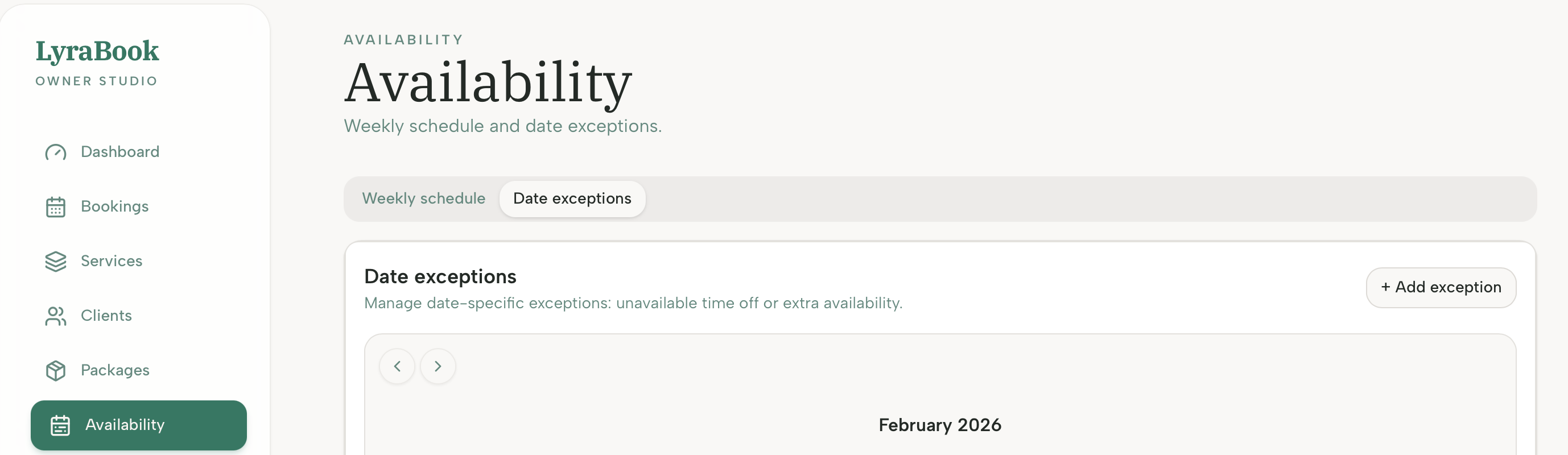
- Click Add exception.
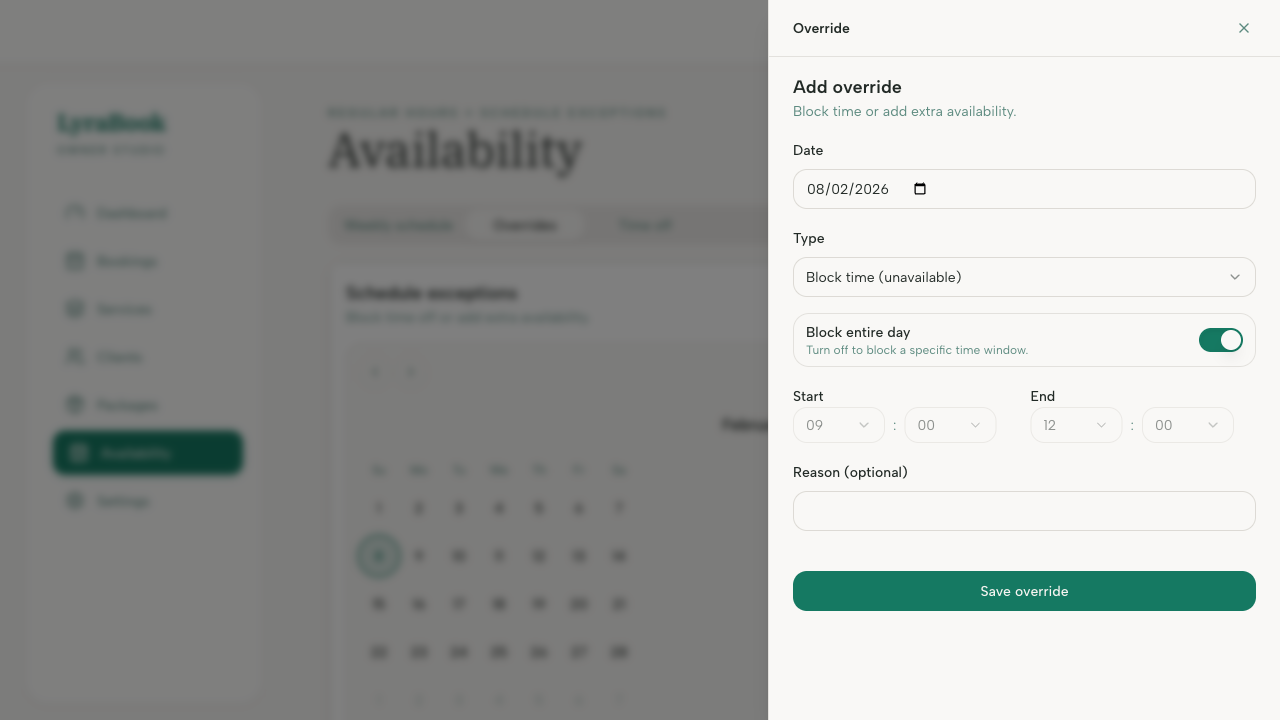
- Choose the date.
- In the Type dropdown, choose Block time or Add extra hours
- Choose to Block entire day or select a time window
- Save and confirm those times are no longer bookable.