Last updated: March 18, 2026
Goal: Control which calendars are used and whether busy events reduce bookable slots.
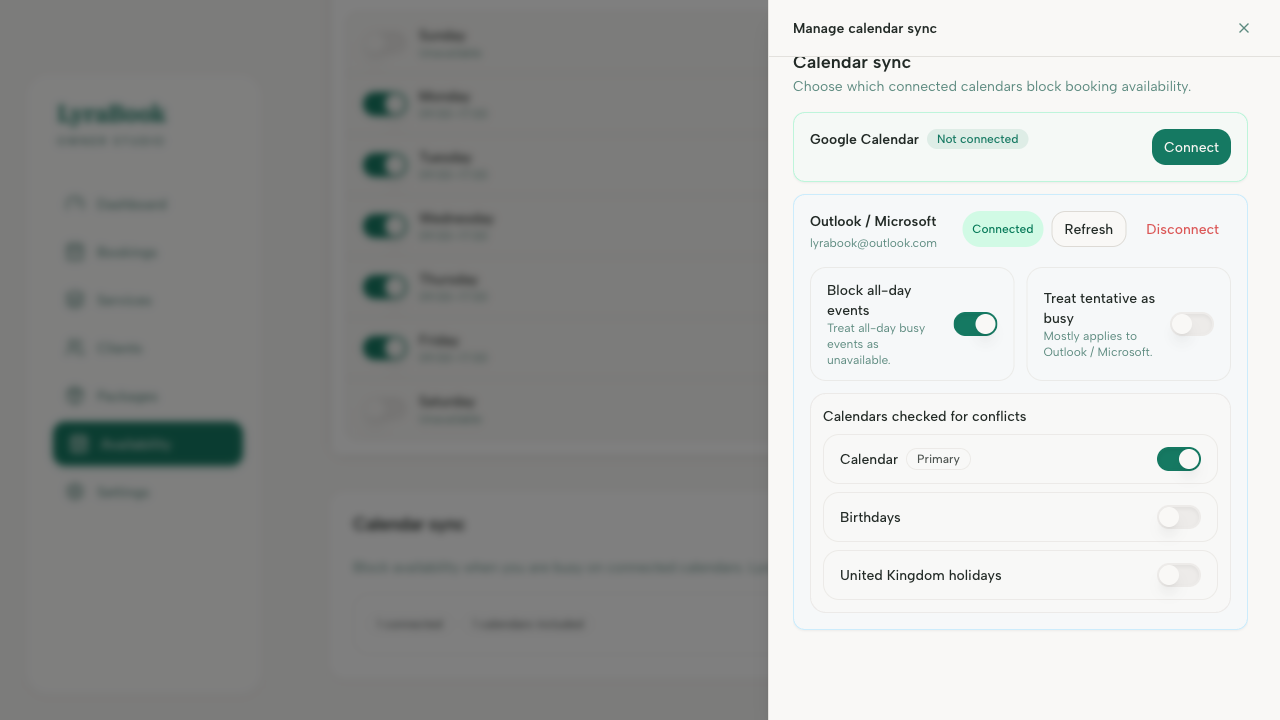
Where: Availablity → Calendar sync → Manage calendar sync.
Steps
- Go to Availablity → Manage calendar sync.
- Select the calendars you want to include.
- Toggle busy blocks availability on to prevent double-booking.
- Save your changes.
- Test by creating a busy event and checking your booking page availability.