Last updated: March 18, 2026
Goal: Know what to do with payments when a booking is canceled.
Where: Bookings → booking detail, and Stripe dashboard (for card payments).
Steps
- Open the booking in Bookings and check whether it is marked as paid.
- If the booking was paid by card, cancel the booking and the refund will be sent to your client.
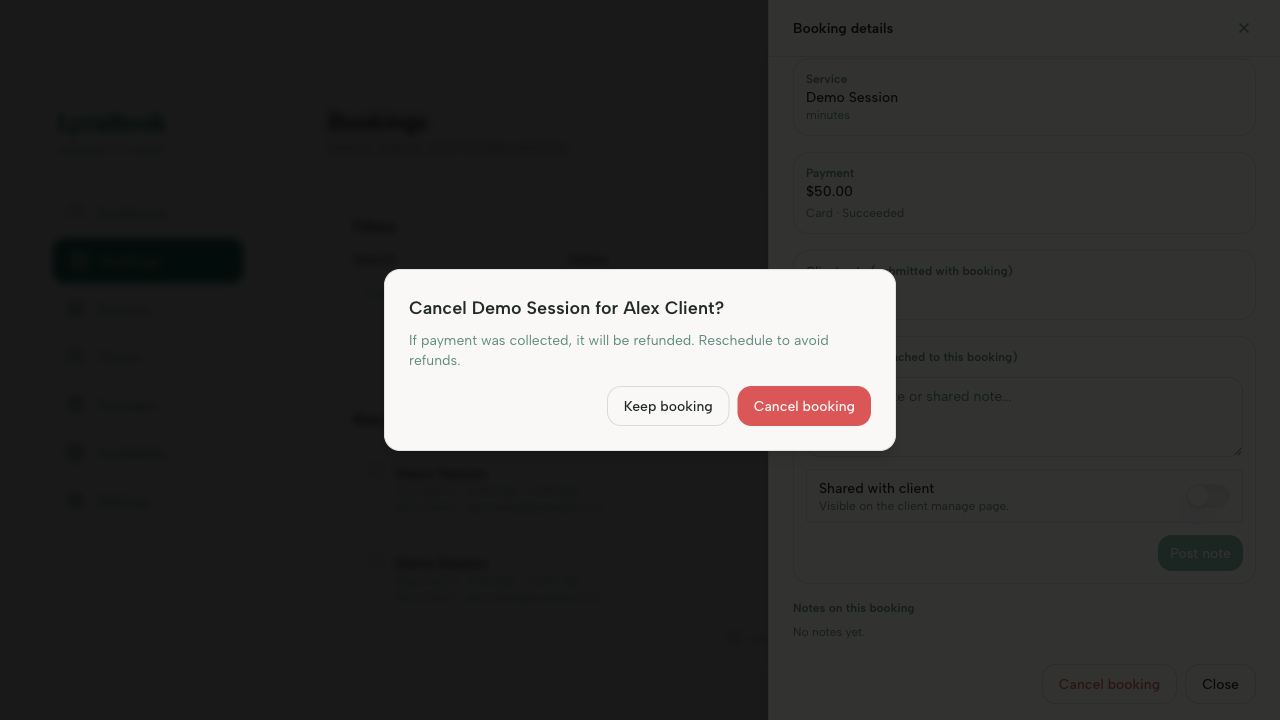
- Confirm a refund occured on the Stripe dashboard.
- If the booking was paid by bank transfer, refund the client manually according to your policy.
- Update the booking notes/status so you have a clear record.
Notes
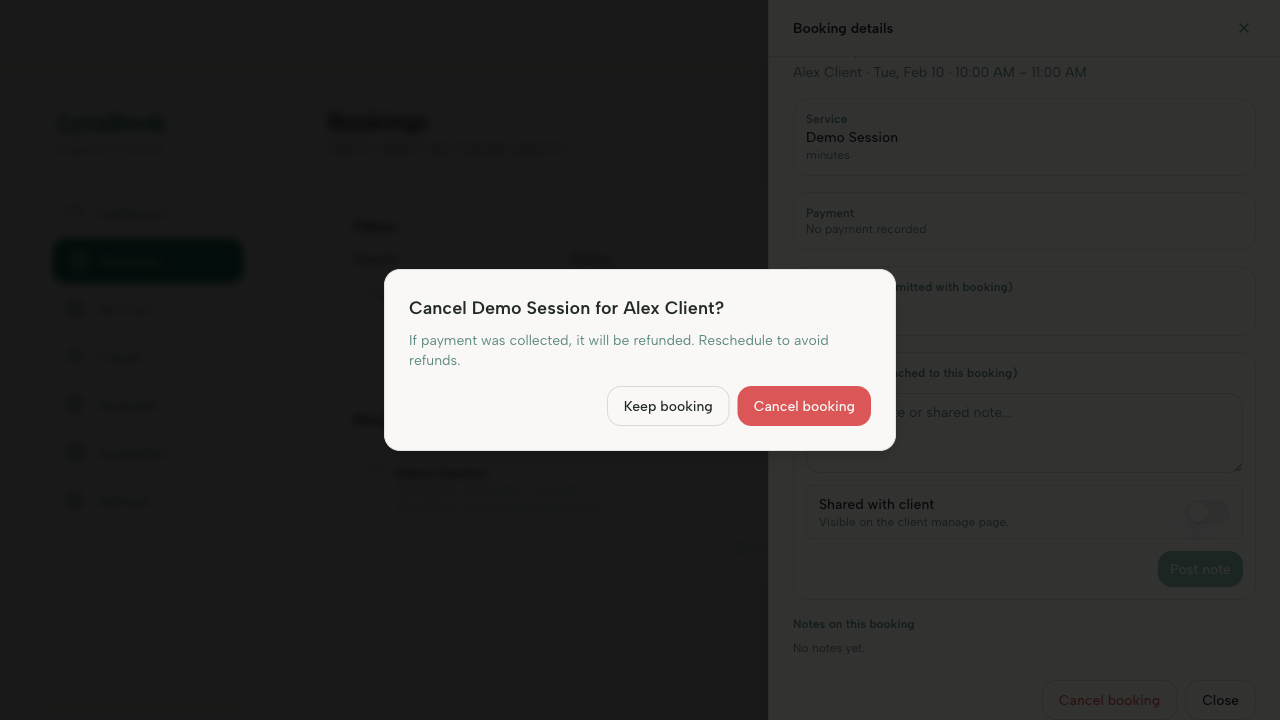
If your client cancelled the booking, a refund will only be made if they cancelled within your cancellation policy.