Last updated: March 18, 2026
Goal: Offer morning and afternoon (or multiple) working blocks in the same day.
Where: Availability → Weekly schedule.
Steps
- Open Availability.
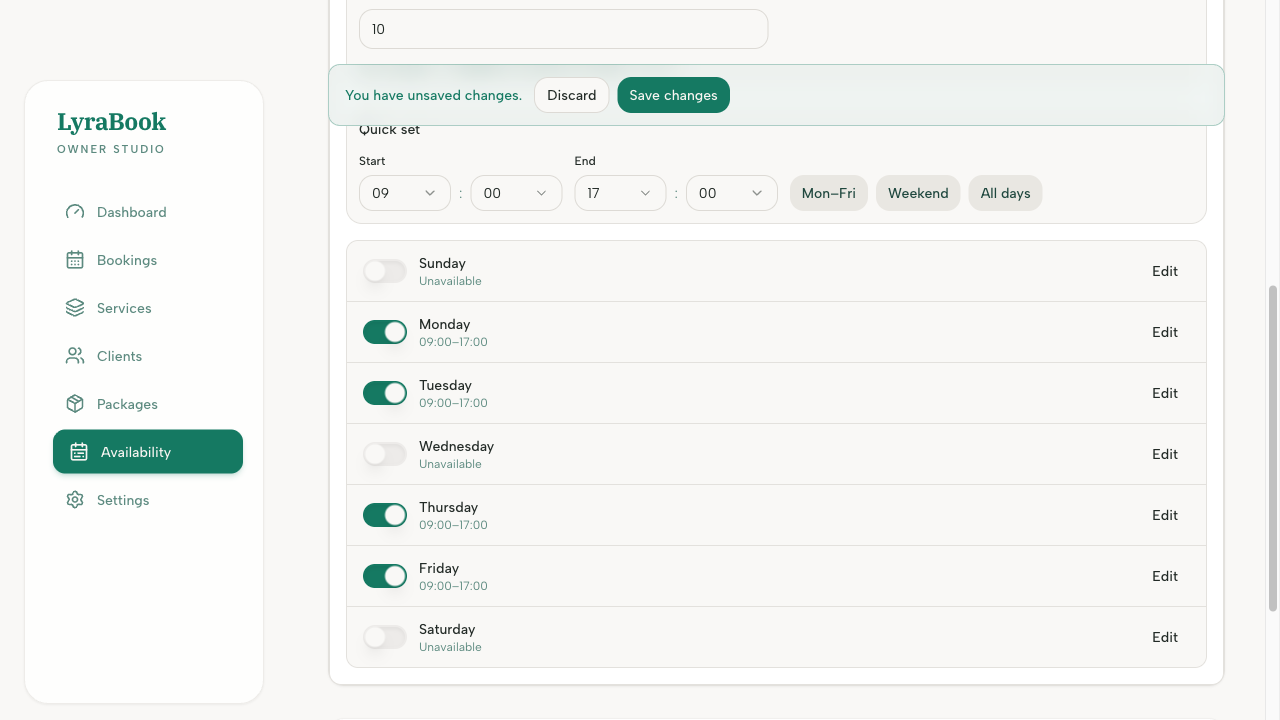
- Select the day you want to edit.
- Add your first window (e.g., 09:00–12:00).
- Click Add another window for the same day (e.g., 13:30–17:30).
- Save and preview availability.
Notes
Split shifts are best handled in weekly availability. Use overrides only for one‑off exceptions (holiday, appointment).