Last updated: March 18, 2026
Goal: Understand how weekly availability and connected calendar busy events interact.
Where: Availability → Calendar sync.
Steps
- Set your weekly availability first (this defines when you *can* work).
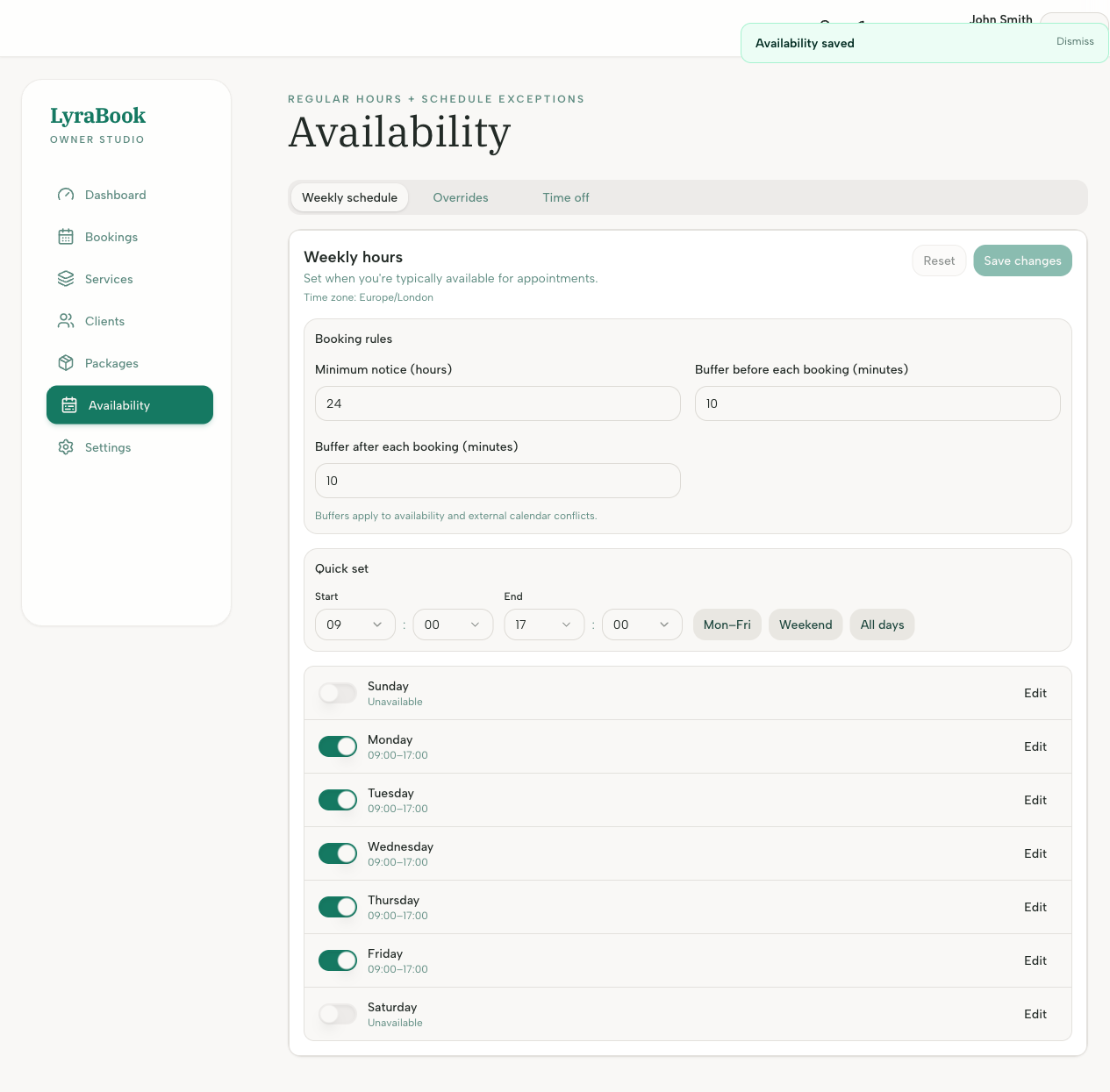
- Connect a calendar and enable busy blocks availability (this removes the ability for clients to book slots when your connected calendar is set to busy).
- If a time is outside weekly availability, it won’t show even if your calendar is free.
- If a time is inside weekly availability but your calendar is busy, it won’t show when busy-blocking is enabled.
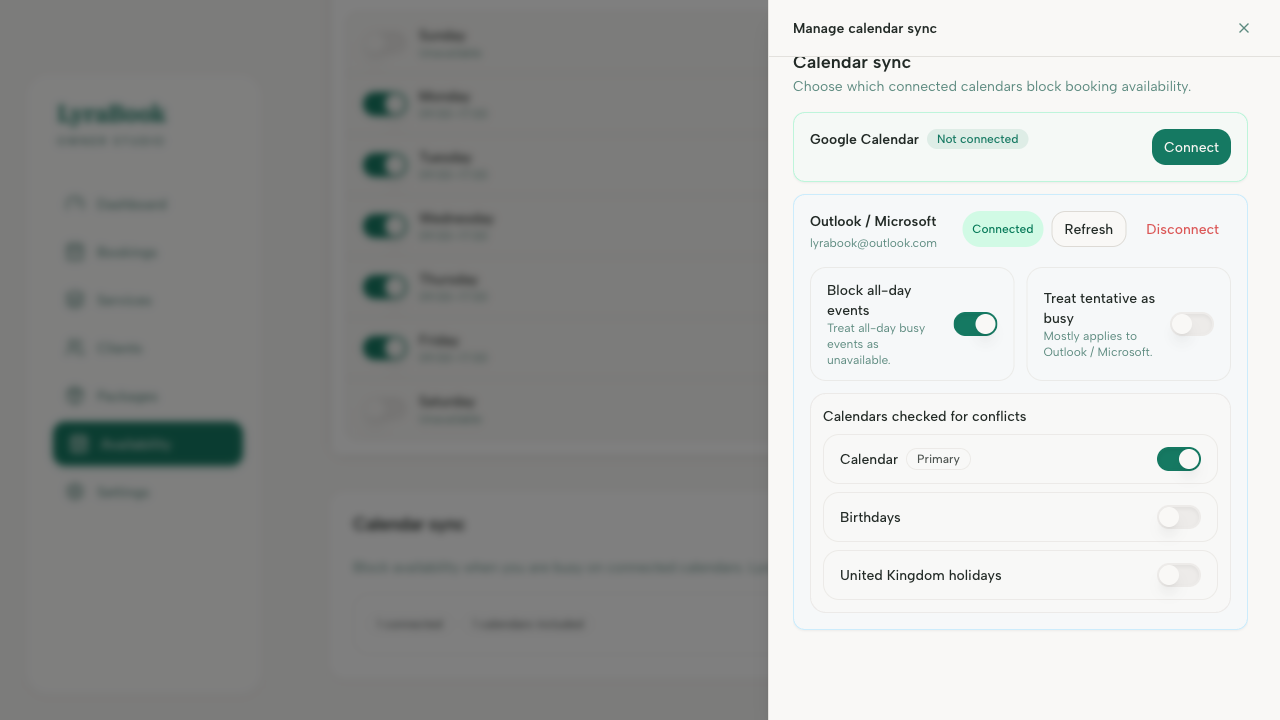
- If you want calendar events *not* to block booking, disable busy-blocking (not recommended for most providers).
Notes
Think of it as: Availability = allowed working hours, Calendar busy = subtract conflicts.