Last updated: March 18, 2026
Goal: Ensure connected calendars correctly prevent double-bookings.
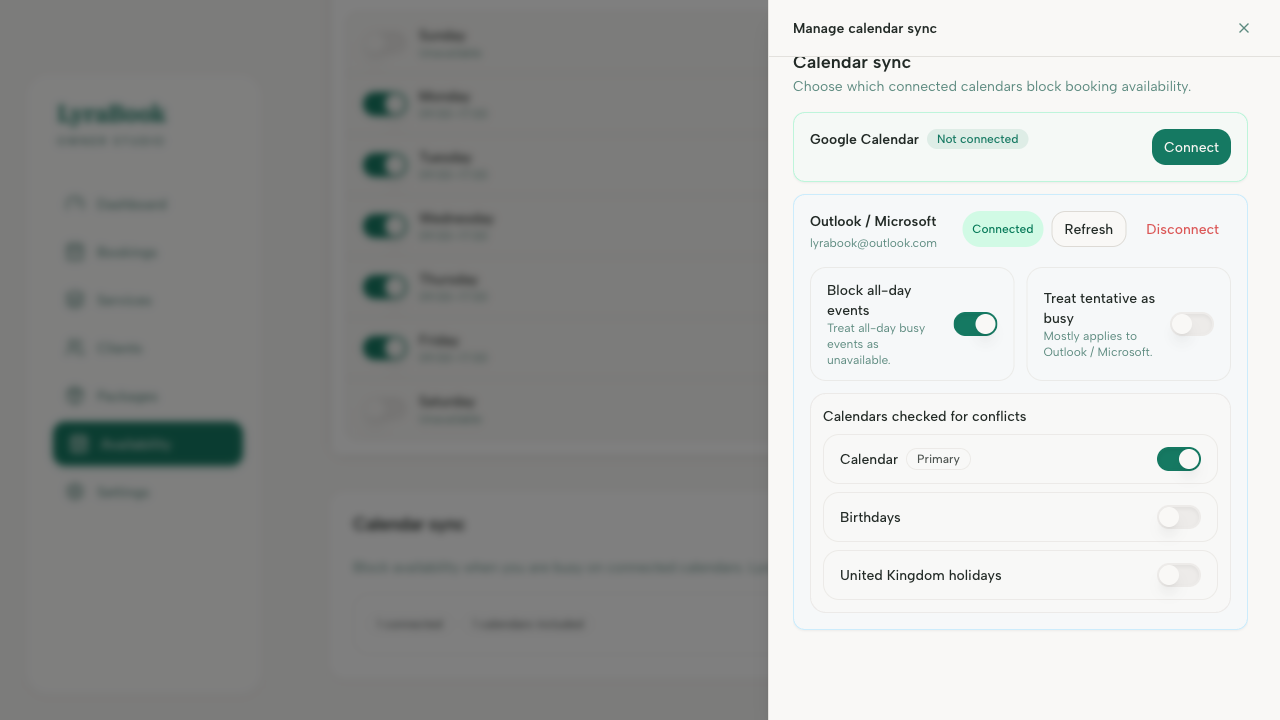
Where: Settings → Calendar sync.
Steps
- Confirm your calendar connection is active.
- Check you’ve selected the correct calendars.
- Turn on busy blocks availability.
- Verify the busy event is marked as busy (not free) in your external calendar.
- Confirm your timezone matches your calendar timezone.
- Refresh/reconnect calendar sync and retest.