Last updated: March 18, 2026
Goal: Remove a service from your booking page without breaking existing bookings.
Where: Services → select a service → Archive/Delete.
Steps
- Go to Services.
- Open the service you want to remove.
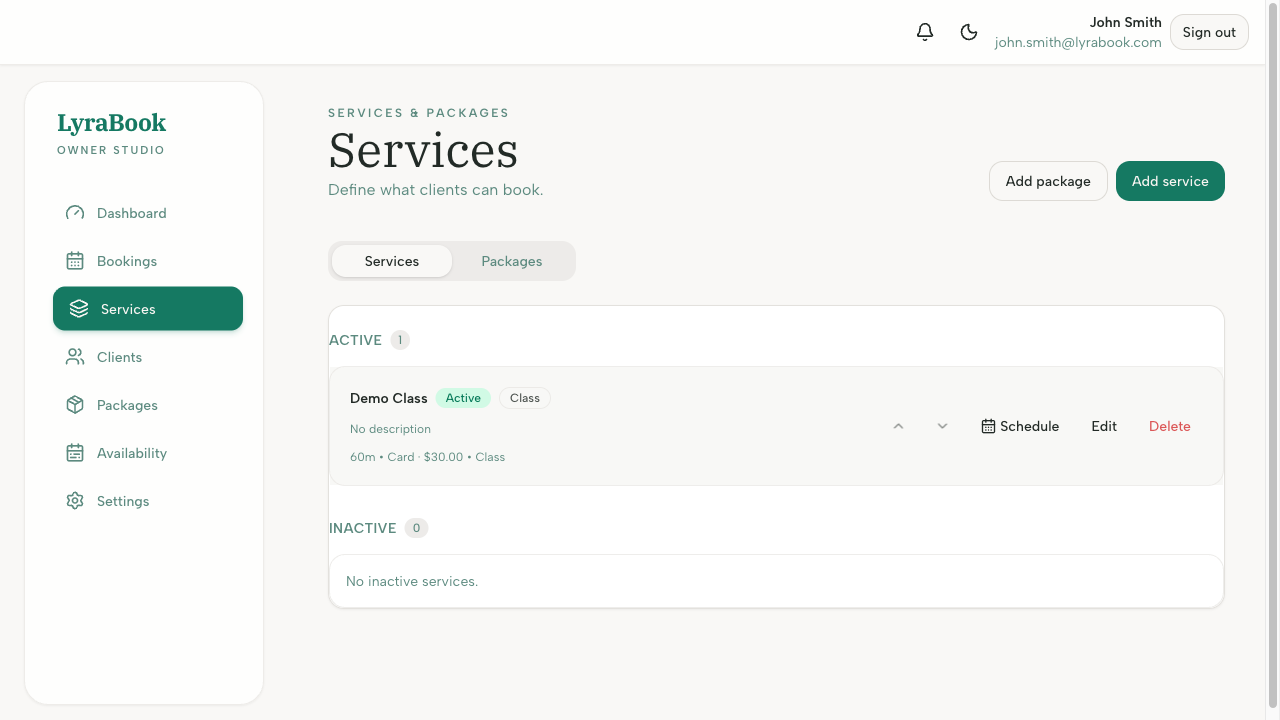
- Choose Archive to hide it from clients while keeping history.
- Or choose Delete if you’re sure it’s no longer needed.
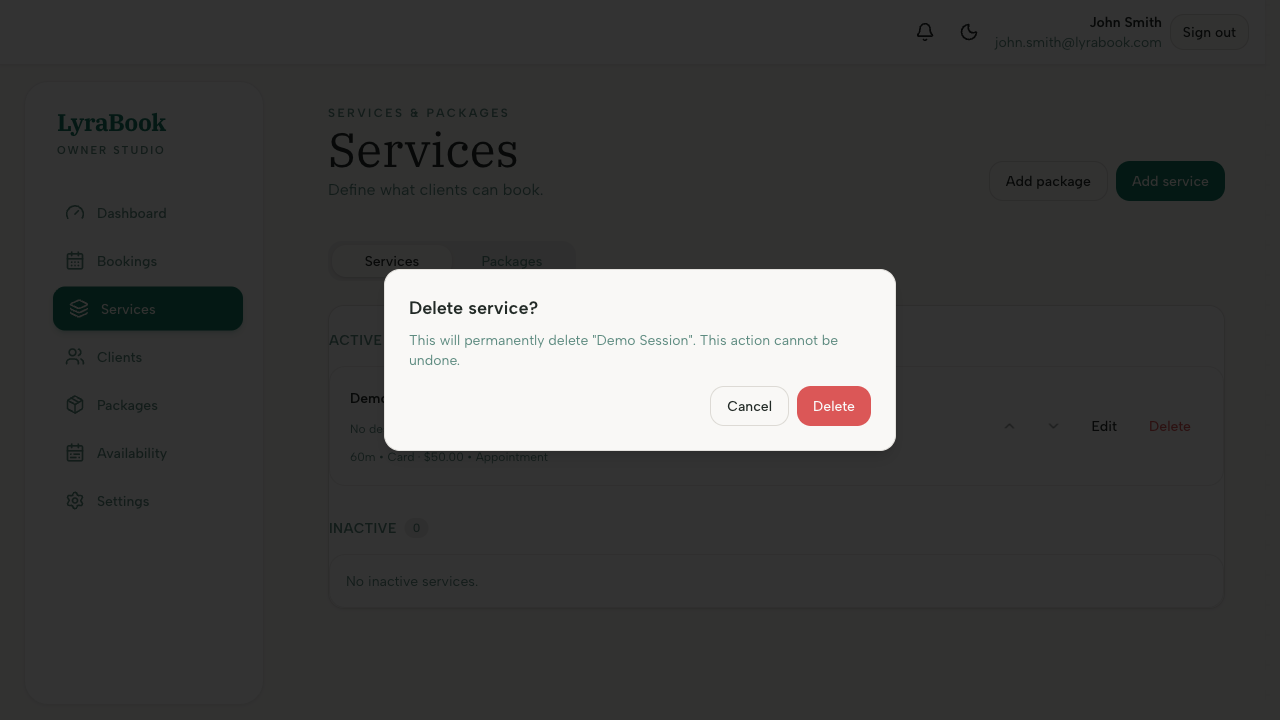
- Confirm the action.
Notes
If you can’t delete a service, it may be linked to existing bookings or packages. Archiving is usually the safest option.