Last updated: March 18, 2026
Goal: Understand why deletion is blocked and what to do instead.
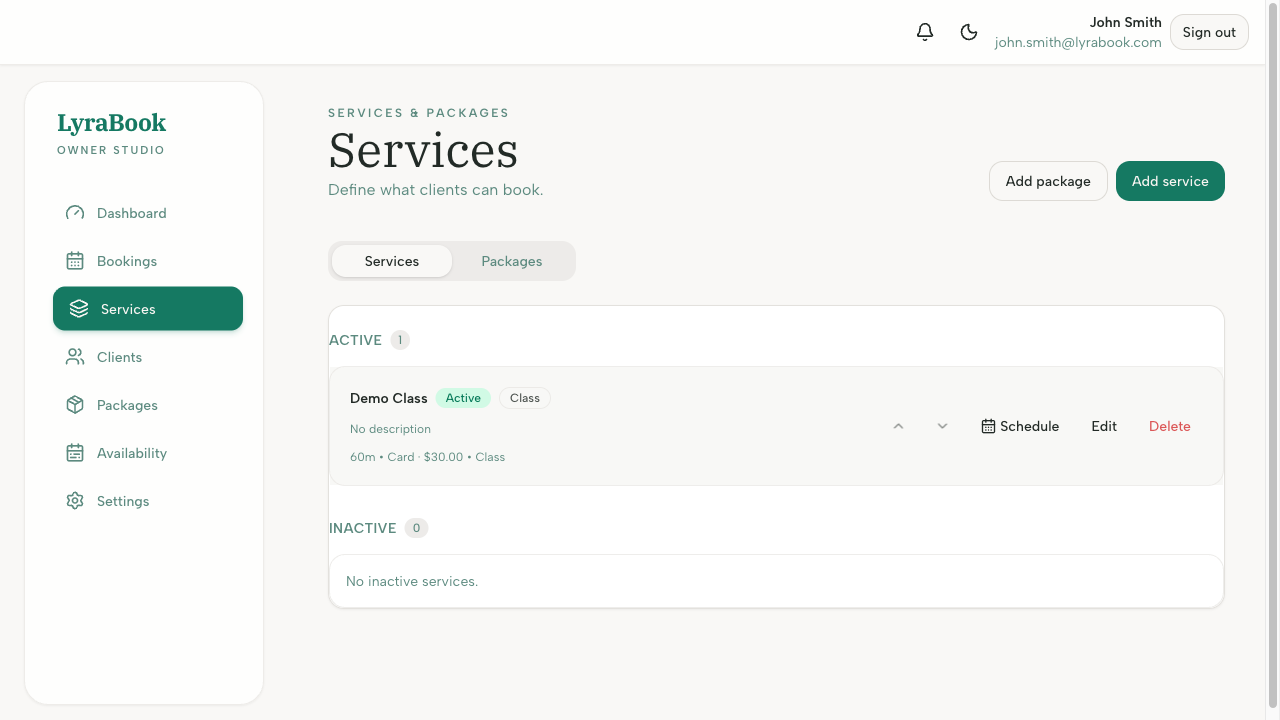
Where: Services and Packages pages.
Steps
- Check whether the service/package is linked to existing bookings or purchases.
- If it has history, choose Archive/Deactivate instead of Delete.
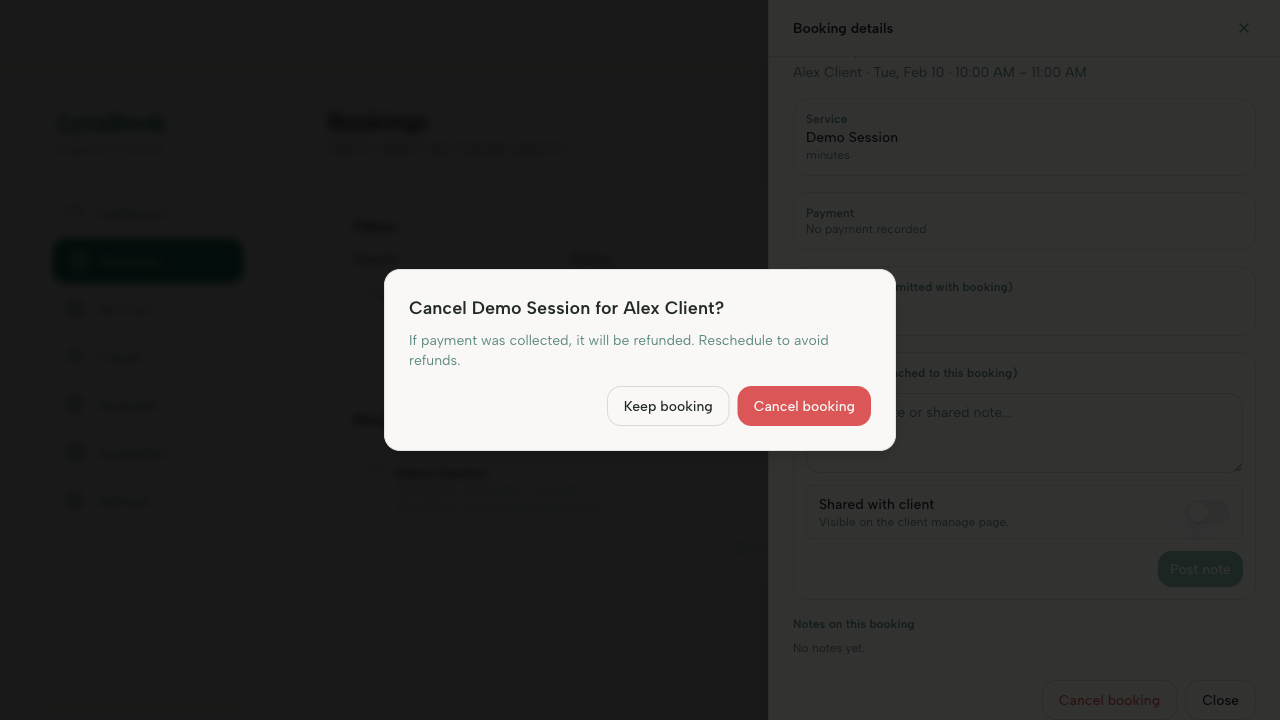
- If you must remove it, cancel/migrate affected bookings first (if your product supports it).
Notes
Archiving keeps historical data intact and prevents new bookings/purchases.