Last updated: March 18, 2026
Goal: Control whether you and your clients receive booking confirmations and reminders.
Where: Settings → Notifications.
Steps
- Go to Settings → Notifications.
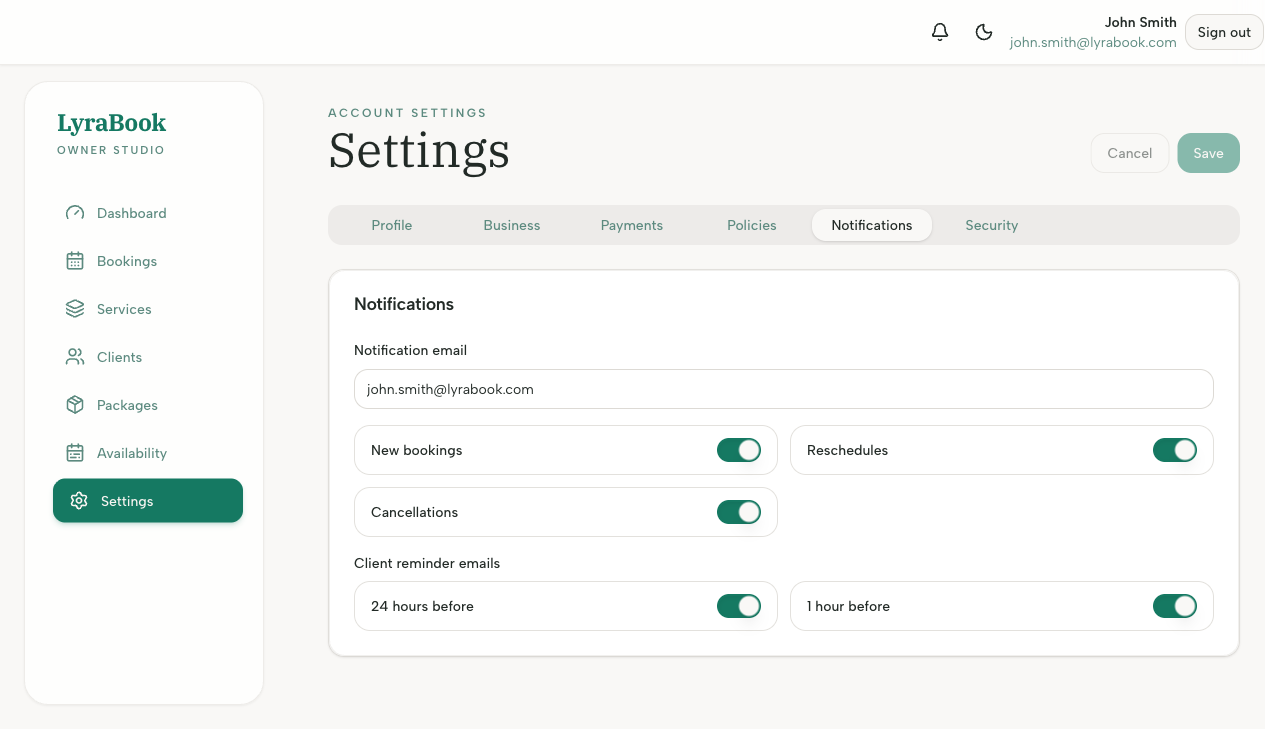
- Turn on/off provider notifications (new booking, reschedule, cancellation).
- Configure client reminders (e.g., 24h reminder, 1h reminder) if available.
- Save changes.
- Create a test booking to confirm emails are delivered.
Notes
If emails aren’t arriving, check spam/junk and verify the notification email address is correct.