Last updated: March 18, 2026
Goal: Understand what clients see and what you can customize on your booking page.
Where: Dashboard and Settings → Profile/Branding.
Steps
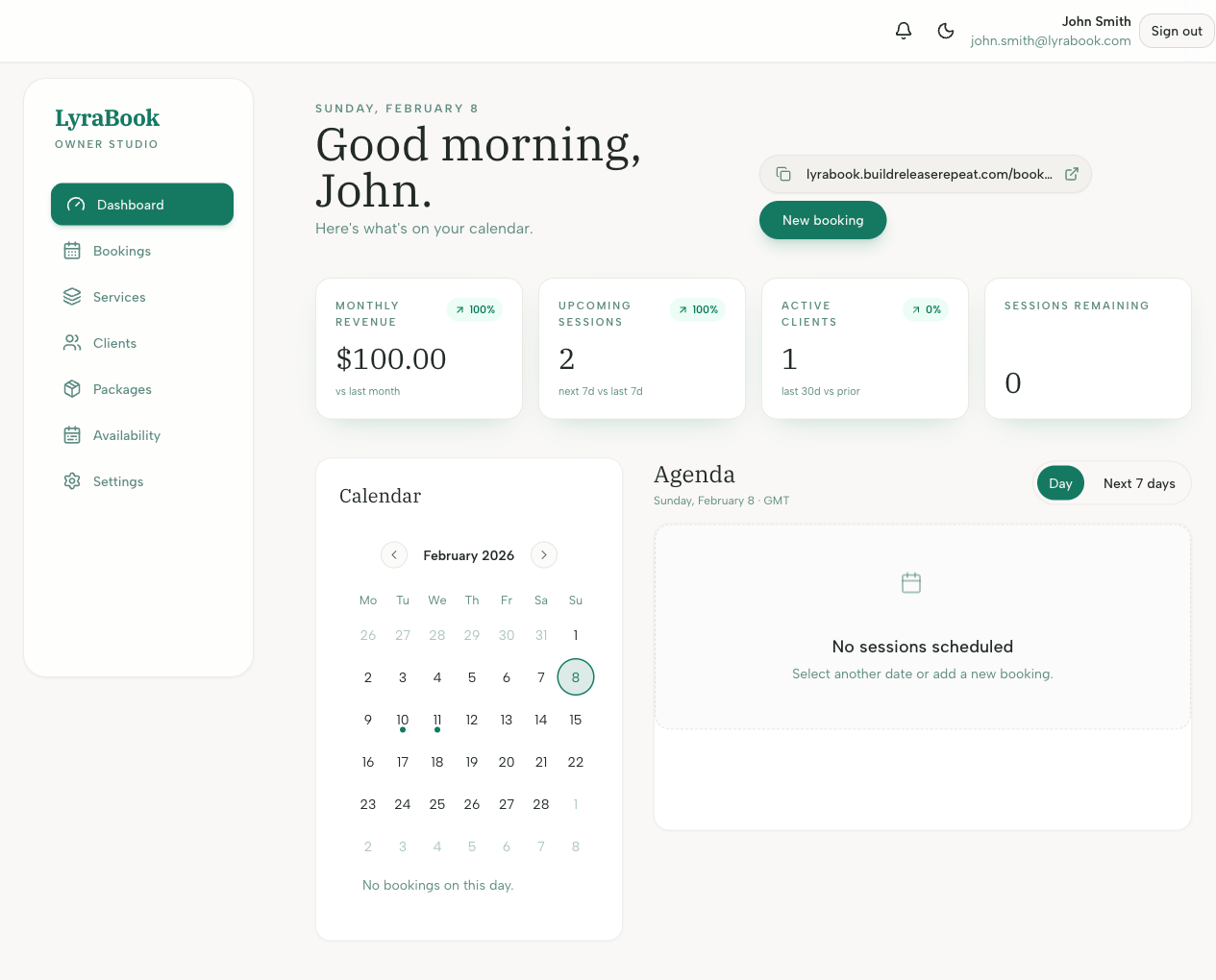
- Open your public booking page from the share link.
- Confirm your profile details (name, photo, bio) are correct.
- Check the service list order and descriptions.
- If branding/theme options exist, set them in Settings.
- Test the full flow: pick service → pick time → checkout.