Last updated: March 18, 2026
Goal: Change the order services appear to clients on your booking page.
Where: Services list (drag-and-drop or up/down controls).
Steps
- Go to Services.
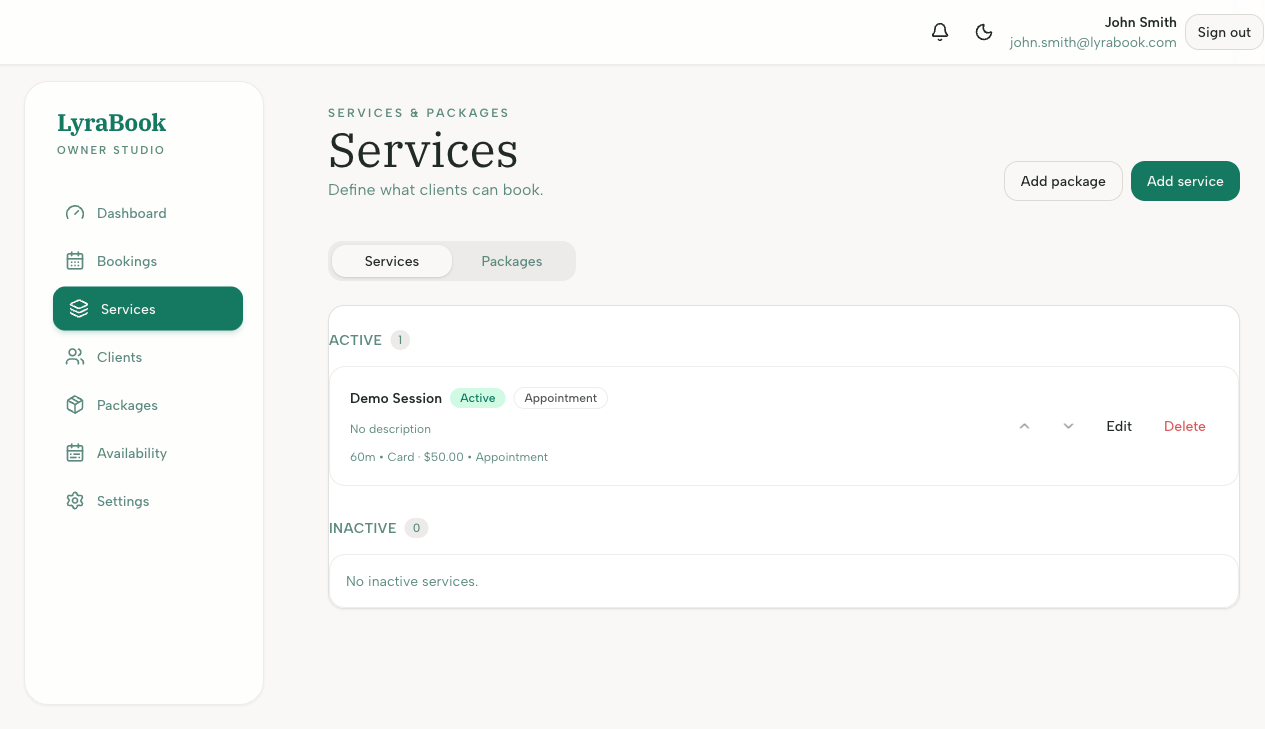
- Use the reorder control (drag handles or arrows) to change the order.
- Save changes if prompted.
- Refresh your booking page to confirm the new order.