Last updated: March 18, 2026
Goal: Keep private notes about clients (preferences, goals, important context).
Where: Clients → select a client → Notes section.
Steps
- Go to Clients and open a client profile.
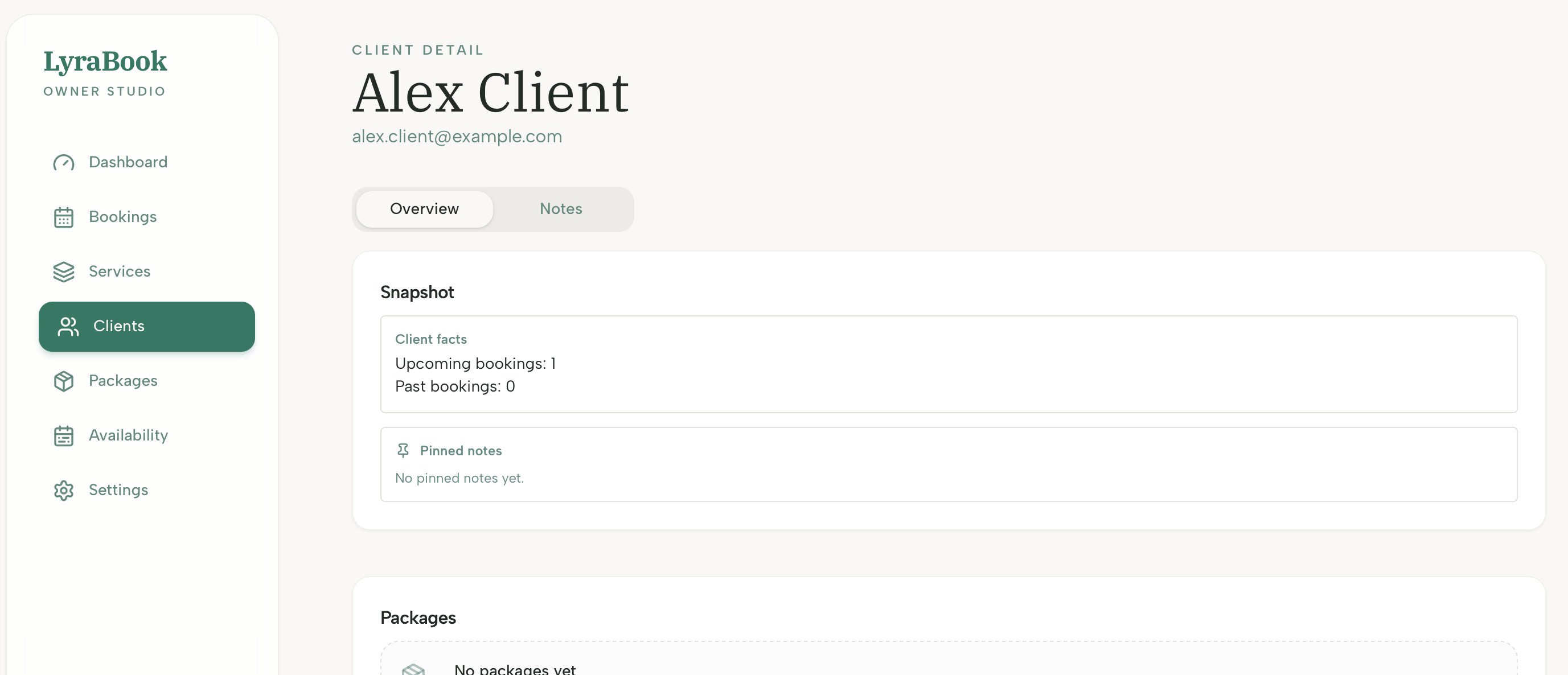
- Find the Notes section.
- Click Add note and write your note.
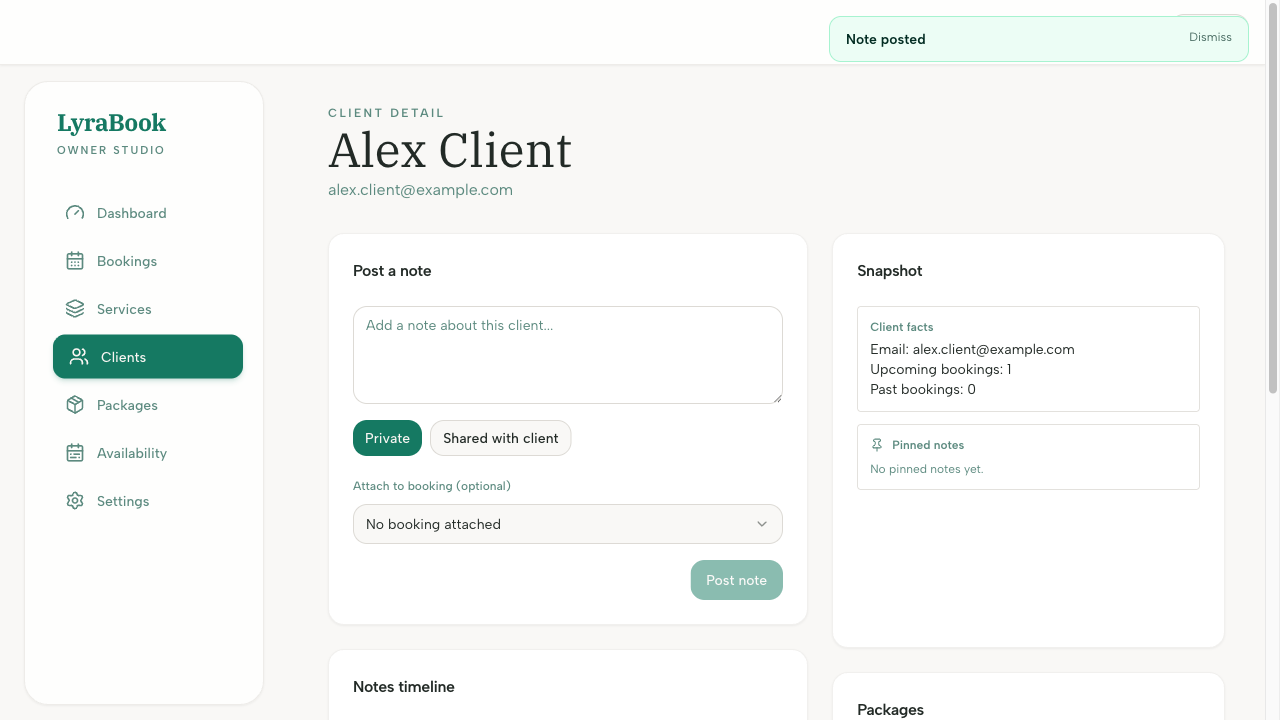
- To update, choose Edit on an existing note and save.
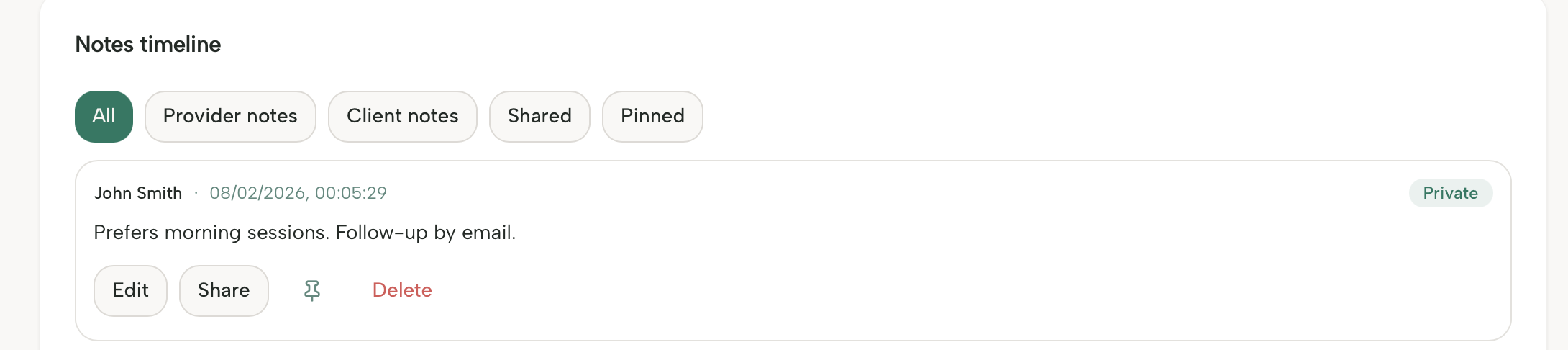
- To remove, choose Delete and confirm.
Notes
Keep notes professional and relevant. Avoid storing sensitive information you wouldn’t want on record.