Last updated: March 18, 2026
Goal: Resolve payment issues for card payments or bank transfer bookings.
Where: Payments settings, Stripe, and booking detail view.
Steps
- If using card payments: confirm Stripe is connected and fully onboarded.
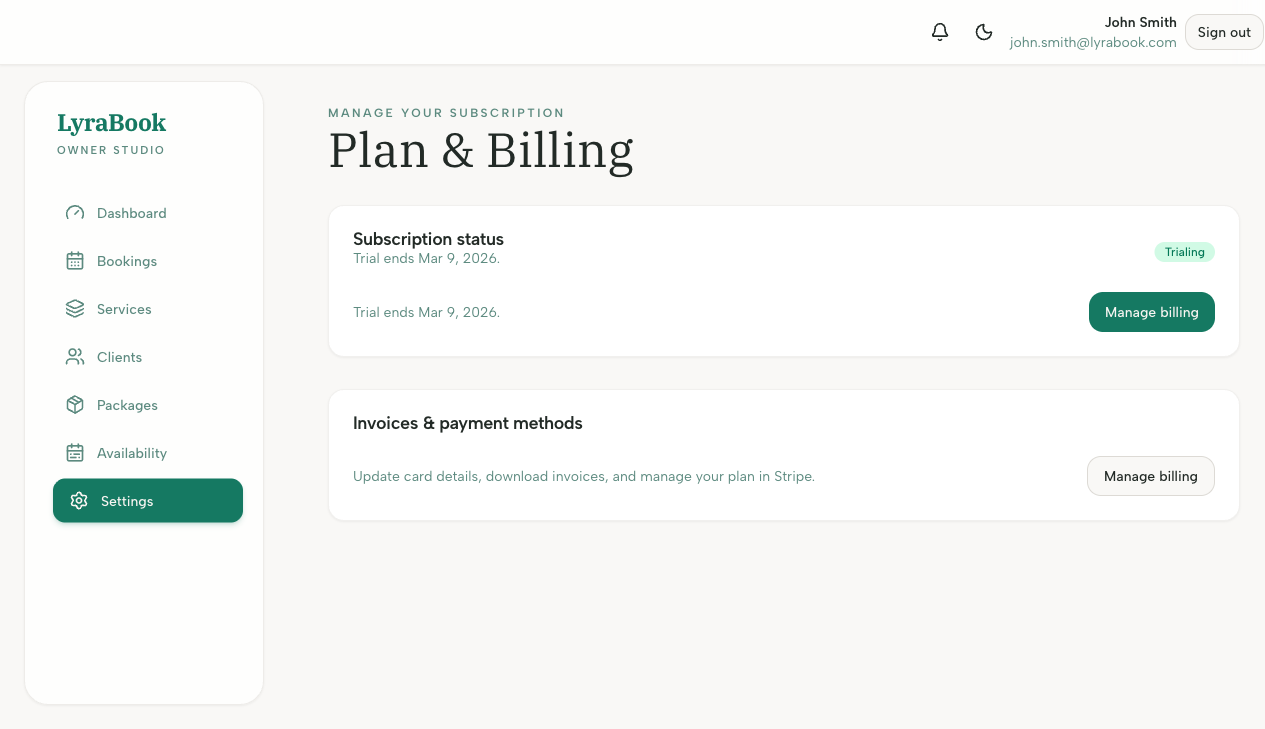
- Open the booking and check payment status.
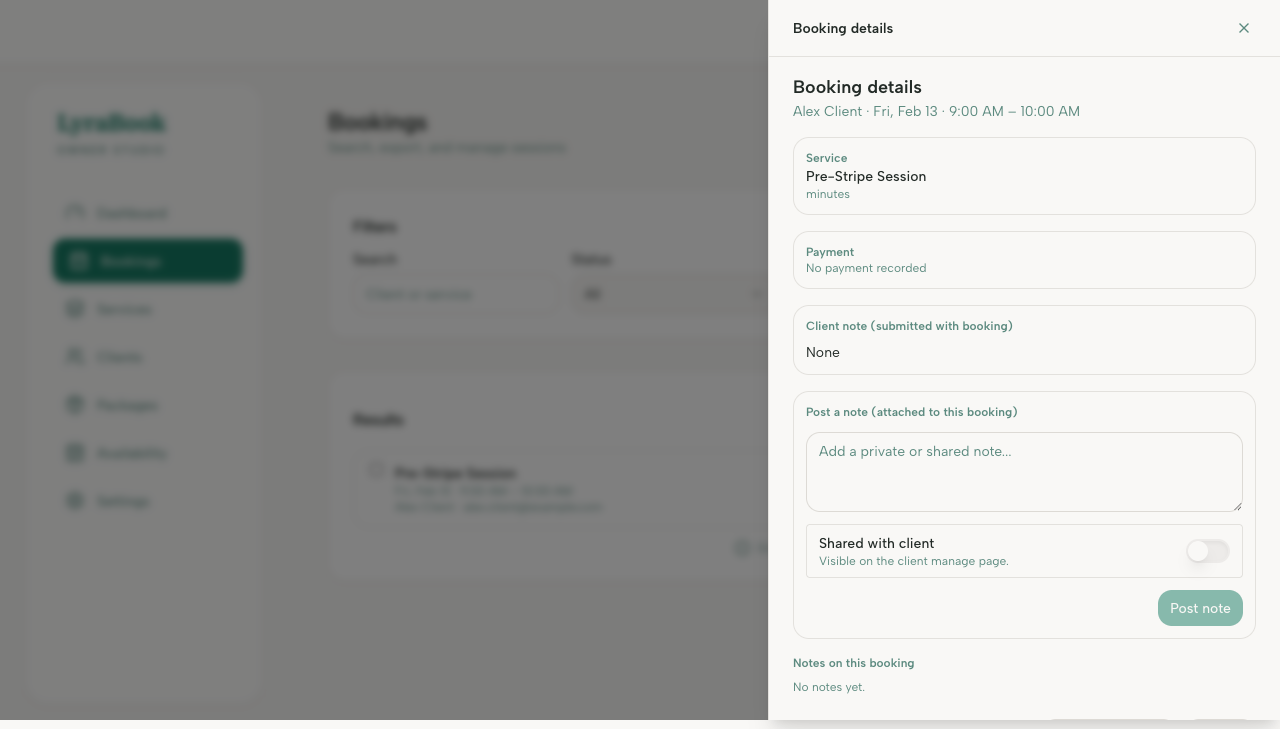
- If the client tried to pay: ask them to retry and verify their card details and bank verification prompts.
- If using bank transfer: confirm your instructions are correct and mark as paid once received.
- If the issue persists, disconnect/reconnect Stripe and verify there are no pending Stripe requirements.
Notes
Stripe can require additional verification at any time. If payouts or payments are restricted, Stripe will usually show a required action.