Last updated: March 18, 2026
Goal: Update a service’s name, description, duration, or price.
Where: Services → select a service → Edit.
Steps
- Go to Services.
- Click the service you want to update.
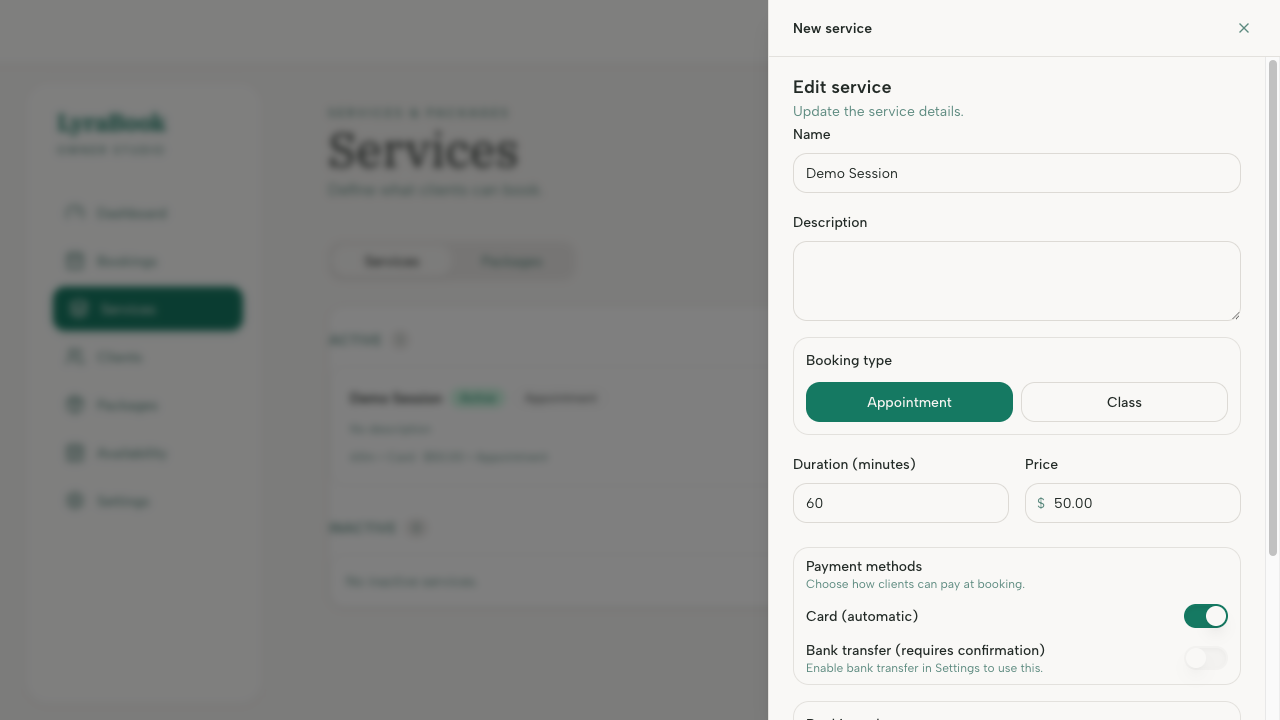
- Edit the fields you need (name, description, duration, price).
- Click Save.
- Check your booking page to confirm the updated details.
Notes
If the service already has bookings, edits typically affect future bookings and the booking page display (existing bookings may keep their original details depending on your product rules).