Last updated: March 18, 2026
Goal: Add a service clients can book (name, duration, price).
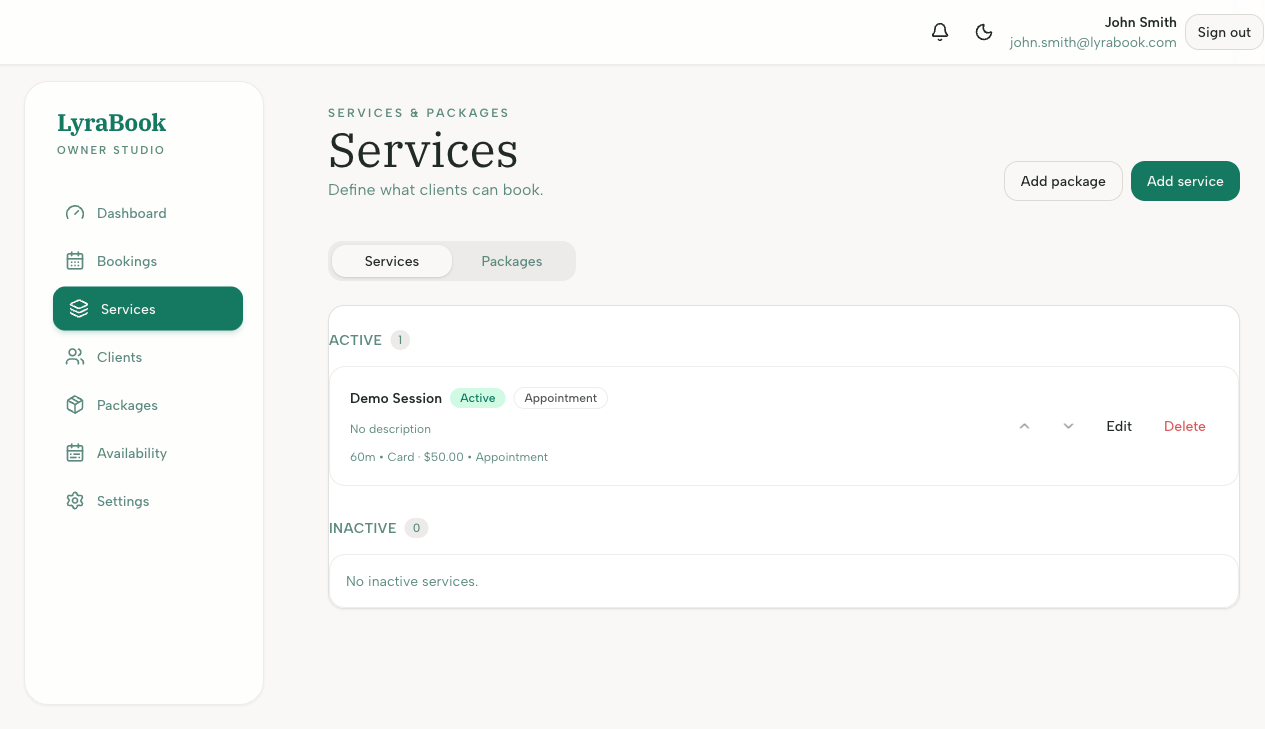
Where: Services page (often includes a “Create service” button).
Steps
- Go to Services.
- Click Create service.
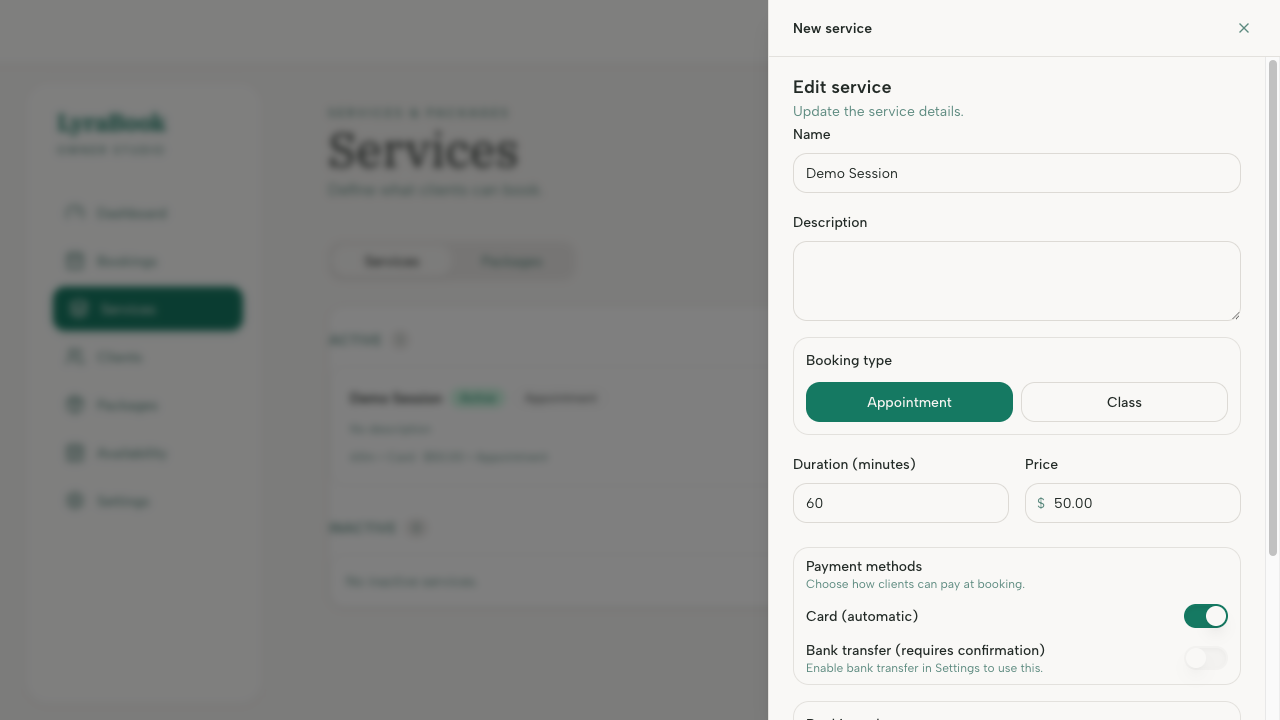
- Enter the name and description.
- Choose a duration.
- Set the price (and payment requirements if available).
- Click Save.
- Verify the service appears on your booking page.
Notes
Start with 1–3 core services to keep choices simple for clients. You can expand later once bookings are flowing.