Last updated: March 18, 2026
Goal: Update package details or remove it from sale without deleting history.
Where: Services → Packages tab → select a package.
Steps
- Go to Services and open Packages.
- Select the package you want to change.
- Edit price, sessions, name, or eligible services.
- To stop selling it, toggle Active to off
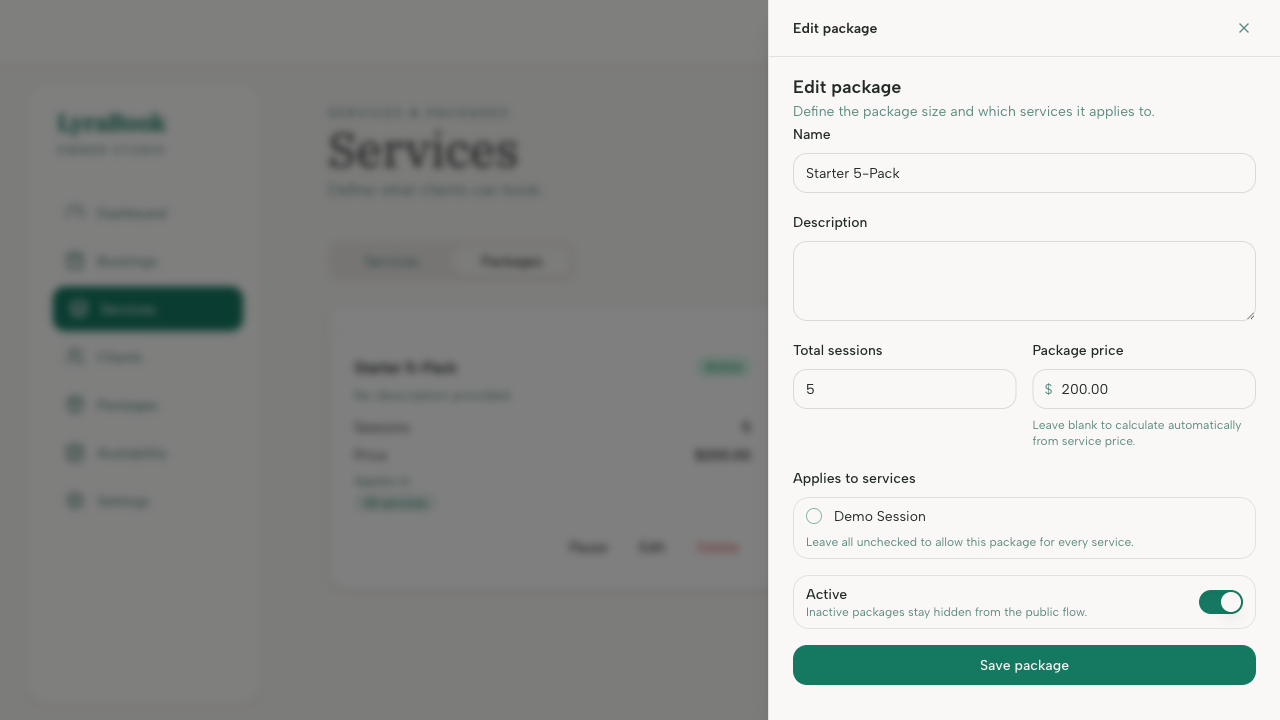
- Save changes.
Notes
Deactivating keeps existing client purchases intact while preventing new purchases.