Last updated: March 18, 2026
Goal: Switch the app’s appearance to light or dark mode.
Where: Dashboard or Settings (Theme).
Steps
- Open Settings (or the theme control on the Dashboard if shown).
- Select Light or Dark.
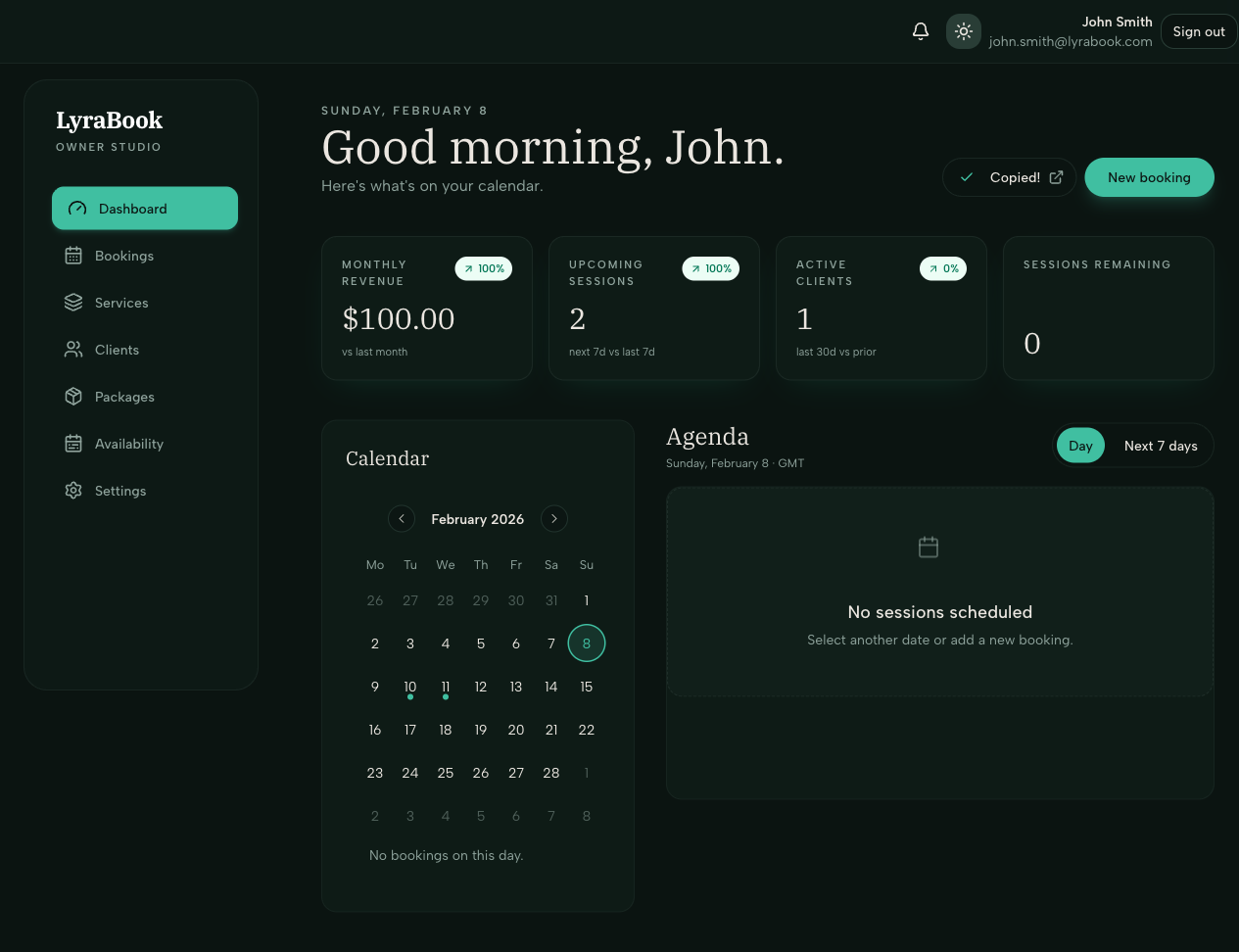
- Your preference is saved automatically (or click Save if prompted).