Last updated: March 18, 2026
Goal: Understand the main areas you’ll use day-to-day as a provider.
Where: Provider dashboard (home) and left navigation (Services, Availability, Bookings, Clients, Settings, Billing).
Steps
- Open your Dashboard.
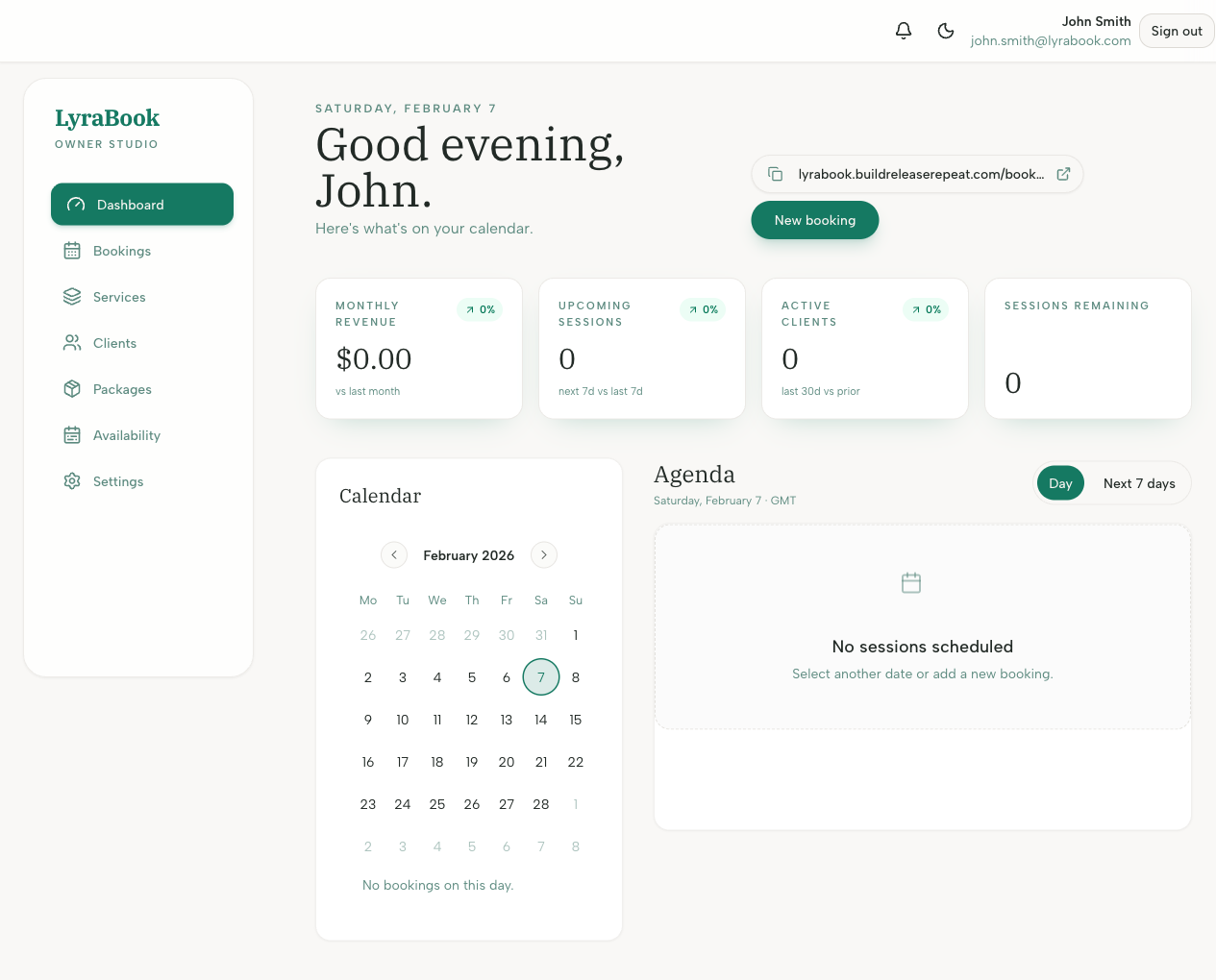
- Use Services to create/edit services and packages clients can buy.
- Use Availability to set the times clients can book you and sync your external calendar.
- Use Bookings to view, reschedule, or cancel upcoming sessions.
- Use Clients to view client history and leave notes.
- Use Settings to configure currency, payments (Stripe/bank transfer), and security.