Last updated: March 18, 2026
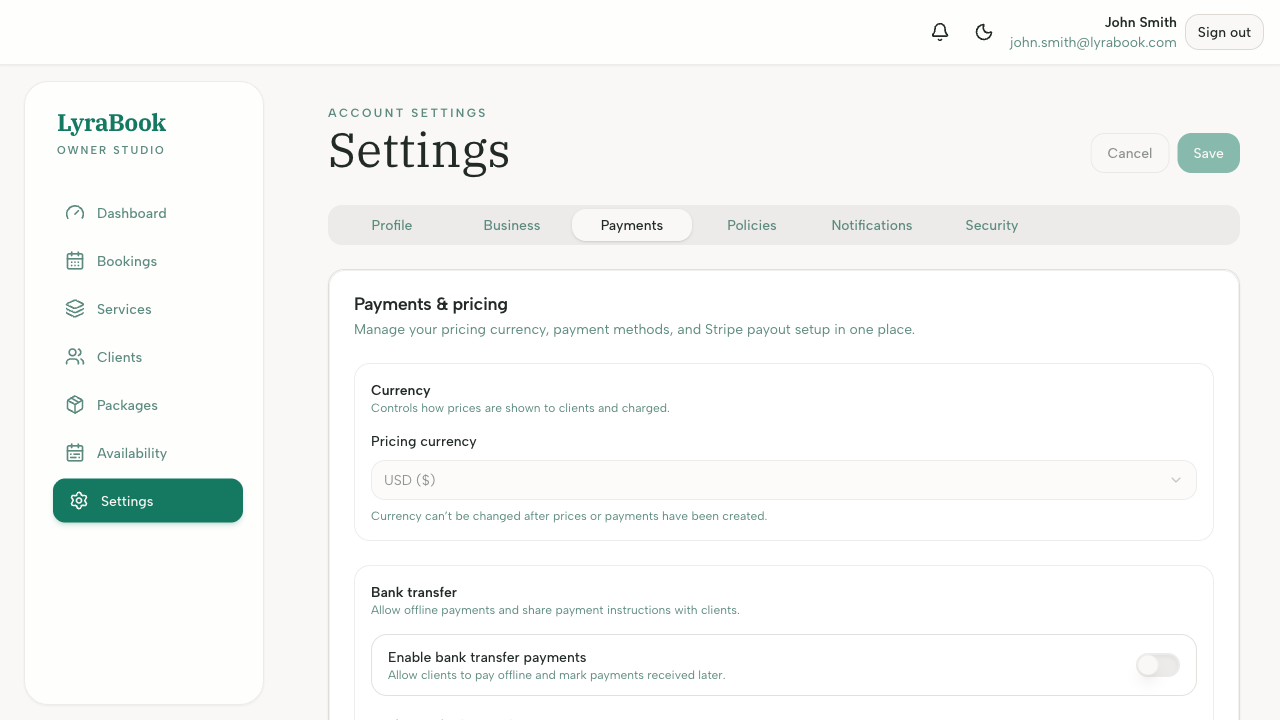
Goal: Set the currency used for pricing services and packages.
Where: Settings → Currency (also prompted during initial setup).
Steps
- Go to Settings.
- Find the Currency section.
- Click Keep [currency] to confirm, or choose Change currency.
- Save your changes (if prompted).
Notes
Changing currency can affect how prices are displayed going forward. If you need to change it later, consider updating your service/package prices to match.