Last updated: March 18, 2026
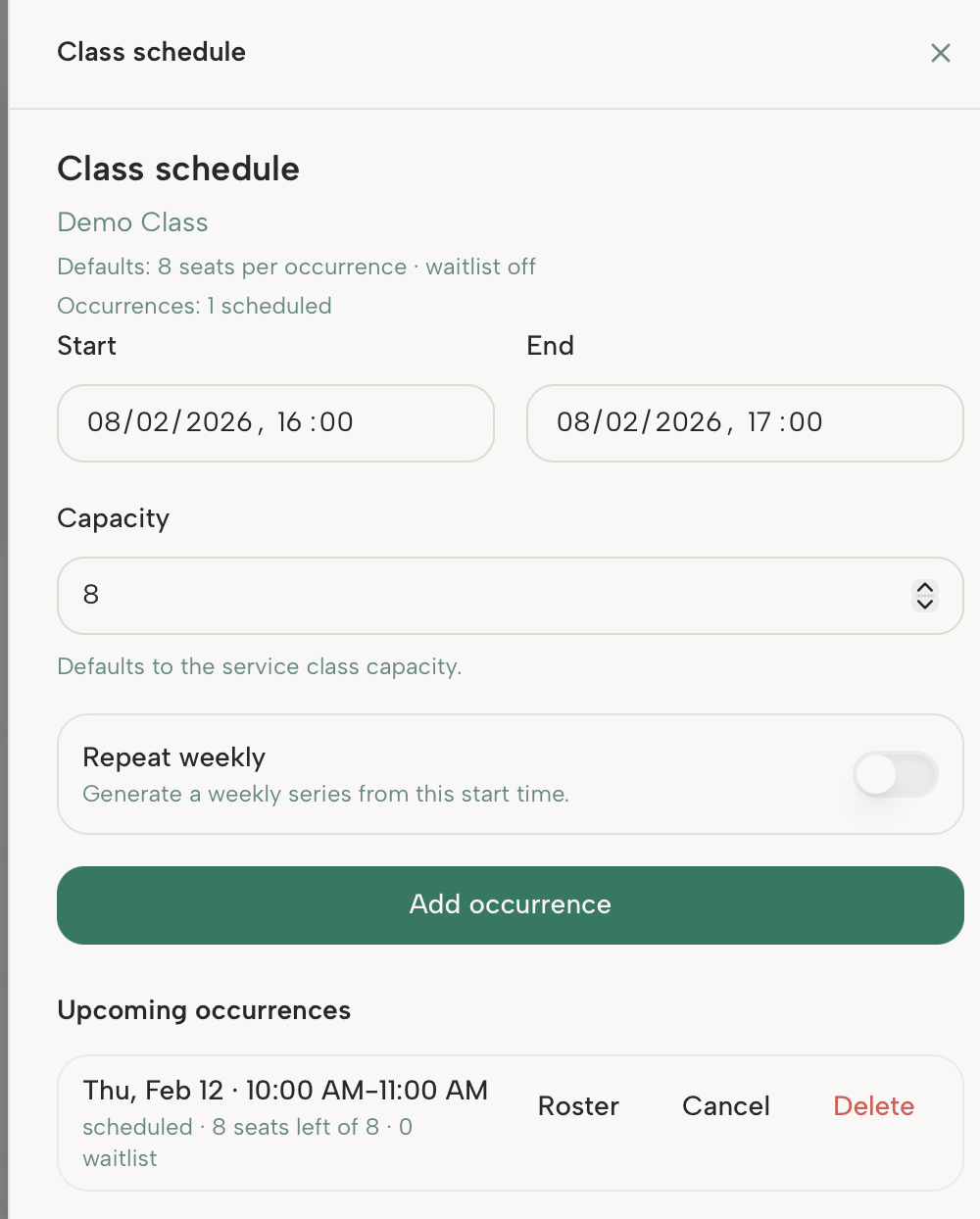
Goal: Schedule a new class
Where: Availablity → Services.
Steps
- Open Availablity and click Schedule on the service you are looking to schedule.
- Add time/capacity and choose whether to repeat weekly.
- Click Add occurence to schedule the class.