Last updated: March 18, 2026
Goal: Review and manage clients waiting for a spot in a full class.
Where: Classes → occurrence → waitlist.
Steps
- Open the class occurrence.
- Switch to Waitlist.
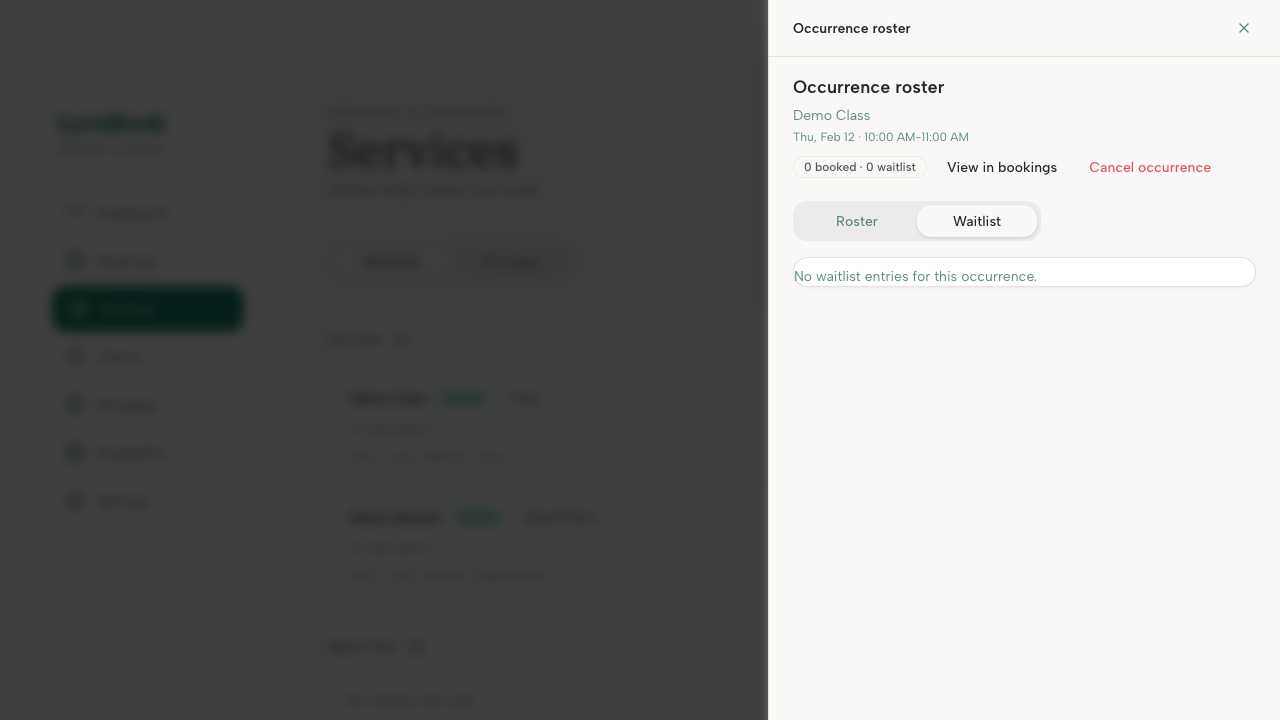
- If a spot opens, move someone from waitlist to booked (if supported).
- Remove someone from the waitlist if requested.