Last updated: March 18, 2026
Goal: See who is attending and manage capacity.
Where: Classes → occurrence → attendees/bookings list.
Steps
- Open the class occurrence.
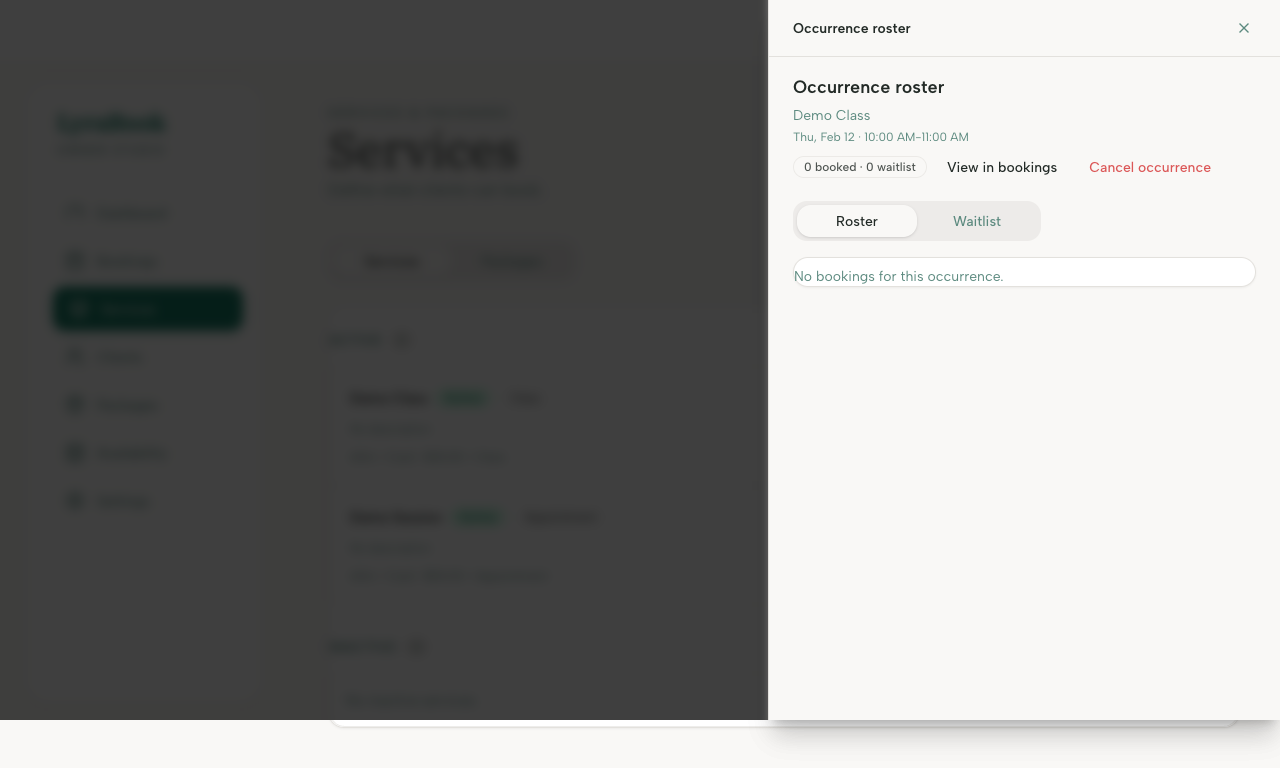
- View the attendee list.
- Remove an attendee if needed (if your UI supports it).
- If capacity increases/decreases, update the occurrence settings and save.