Last updated: March 18, 2026
Goal: Schedule a group session occurrence clients can book into.
Where: Services → Classes.
Steps
- Open the Services area in your provider dashboard.
- Click Add service
- Create a title and description
- Choose Class as the Booking type
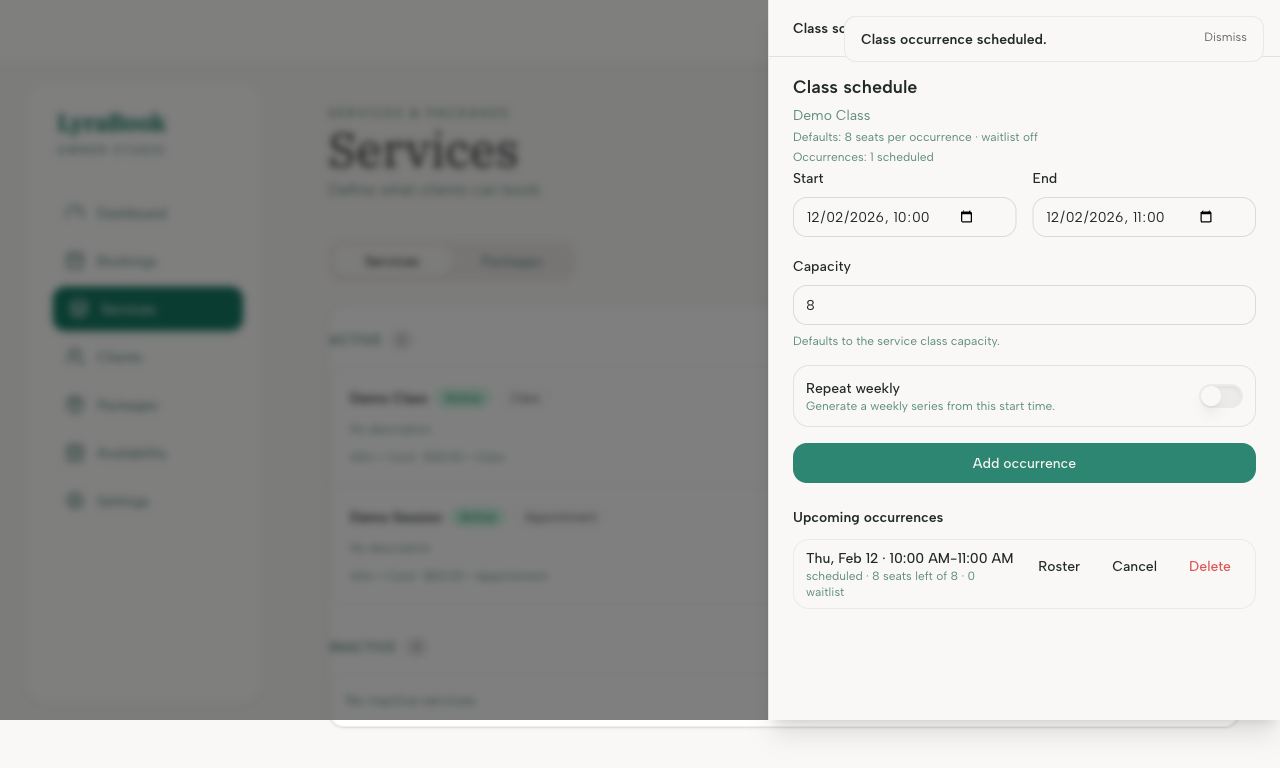
- Add the default Class capacity, and optionally, Waitlist size and toggle Waitlist to on.
- Add duration, price and payment methods.
- Save service and confirm it appears in the schedule.