Last updated: March 18, 2026
Goal: Sync your Google Calendar so busy events can block client bookings.
Where: Availablity → Manage calendar sync → Google.
Steps
- Go to Availablity.
- Find Manage calendar sync.
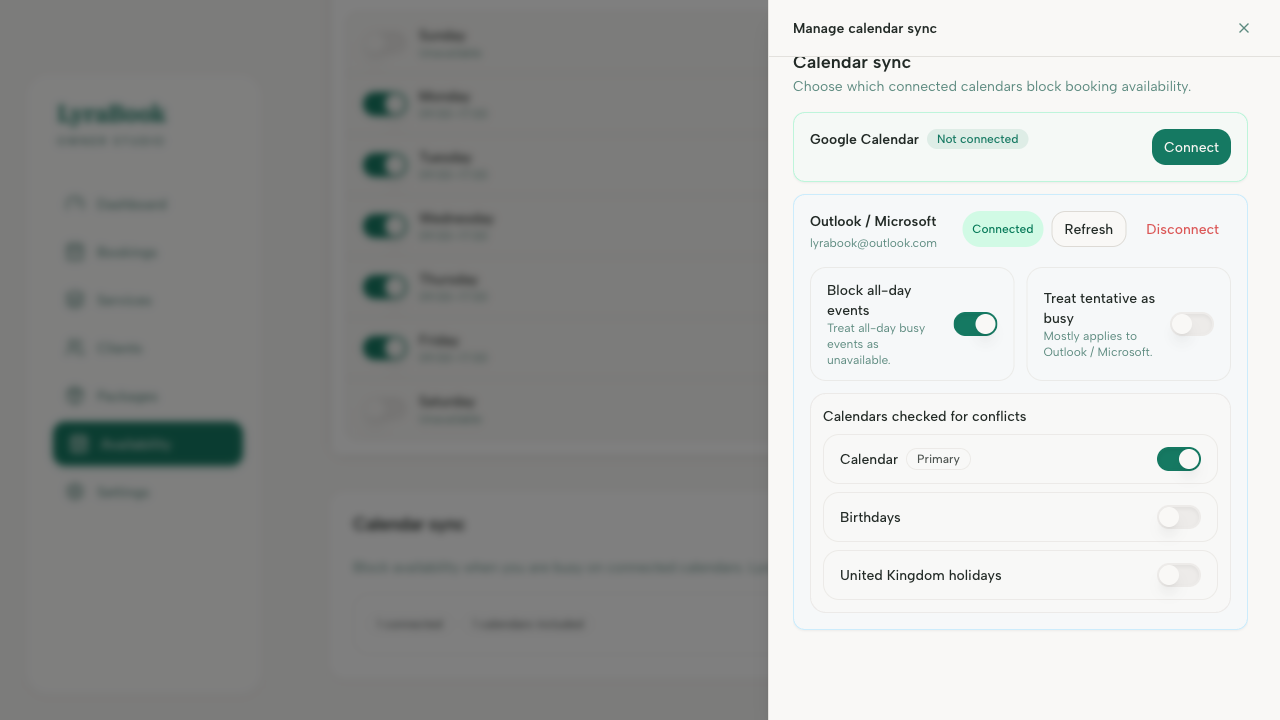
- Click Connect Google Calendar.
- Sign in and grant permissions when prompted.
- Choose which calendars to sync.
- Enable busy blocks availability (recommended) and save.