Last updated: March 18, 2026
Goal: Find bookings quickly and understand their status.
Where: Bookings page.
Steps
- Go to Bookings.
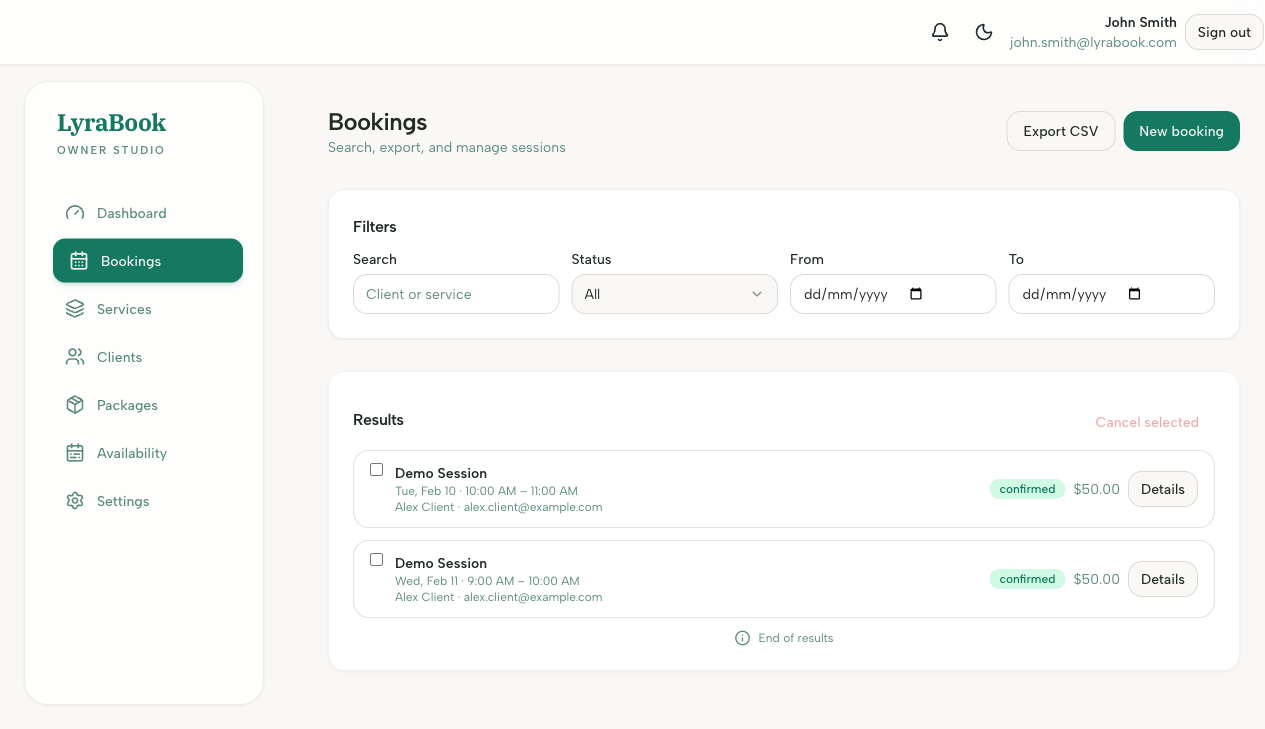
- Use filters to narrow by date, status, or service.
- Open a booking to see details: client, time, payment status, notes.
Goal: Find bookings quickly and understand their status.
Where: Bookings page.
Last updated: March 18, 2026
Goal: Find bookings quickly and understand their status.
Where: Bookings page.