Last updated: March 18, 2026
Goal: Move a booking to a new date/time.
Where: Bookings → open booking → Reschedule.
Steps
- Go to Bookings and open the booking.
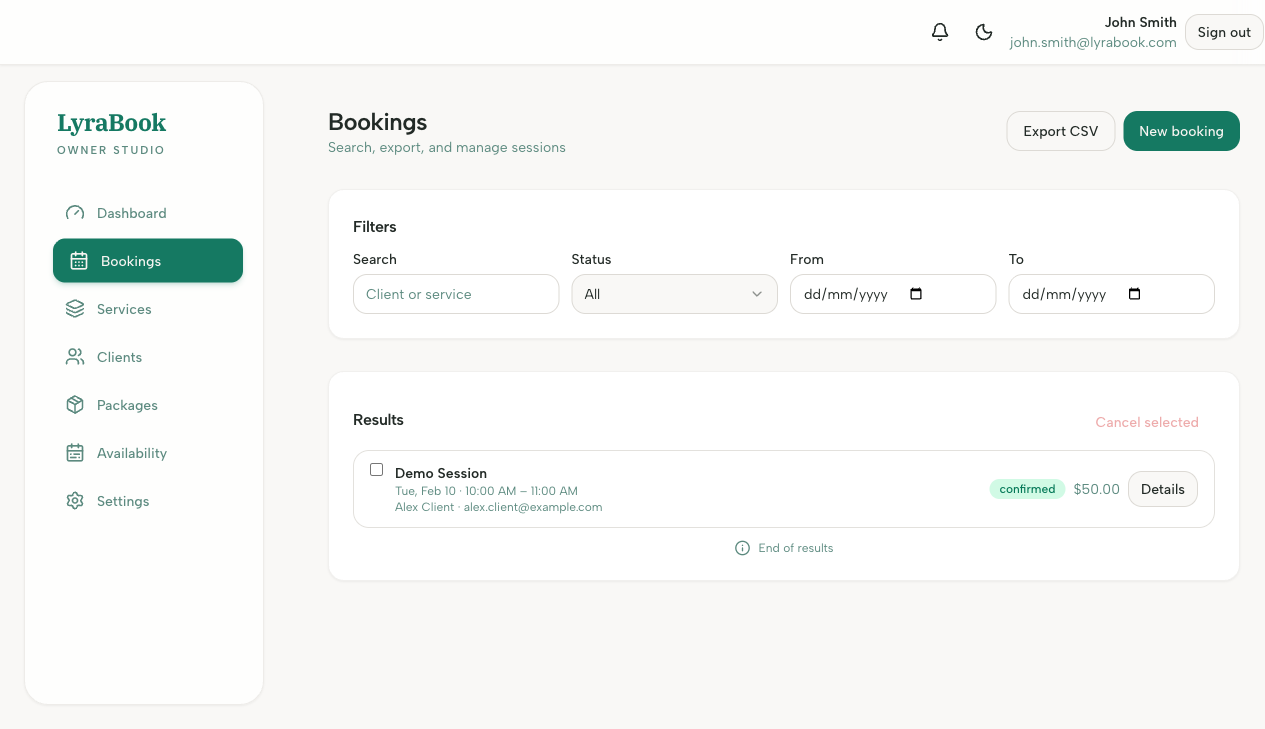
- Click Reschedule.
- Choose a new time slot.
- Confirm the change.
- Notify the client if your app doesn’t send an automatic update.