Last updated: March 18, 2026
Goal: Download bookings data for reporting or reconciliation.
Where: Bookings page (Export action).
Steps
- Go to Bookings.
- Apply any filters you want included in the export.
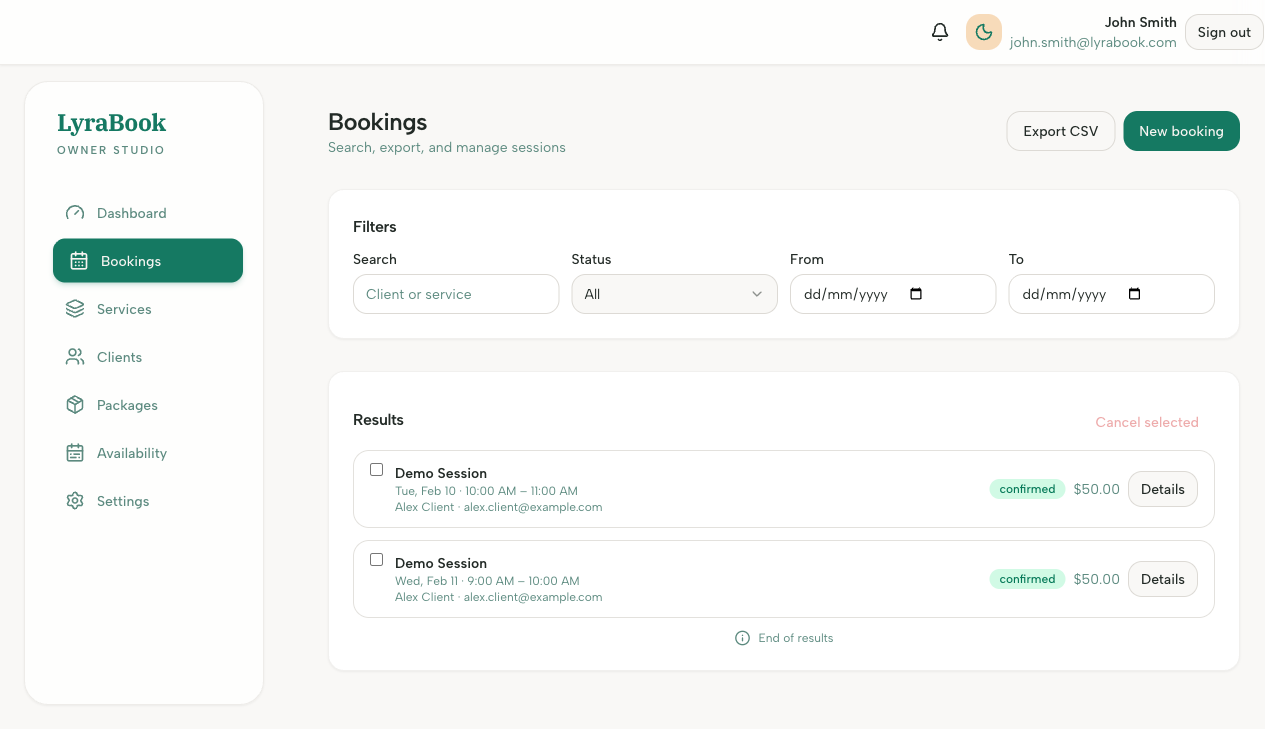
- Click Export CSV.
- Download and open the exported file.