Last updated: March 18, 2026
Goal: Add a booking on behalf of a client.
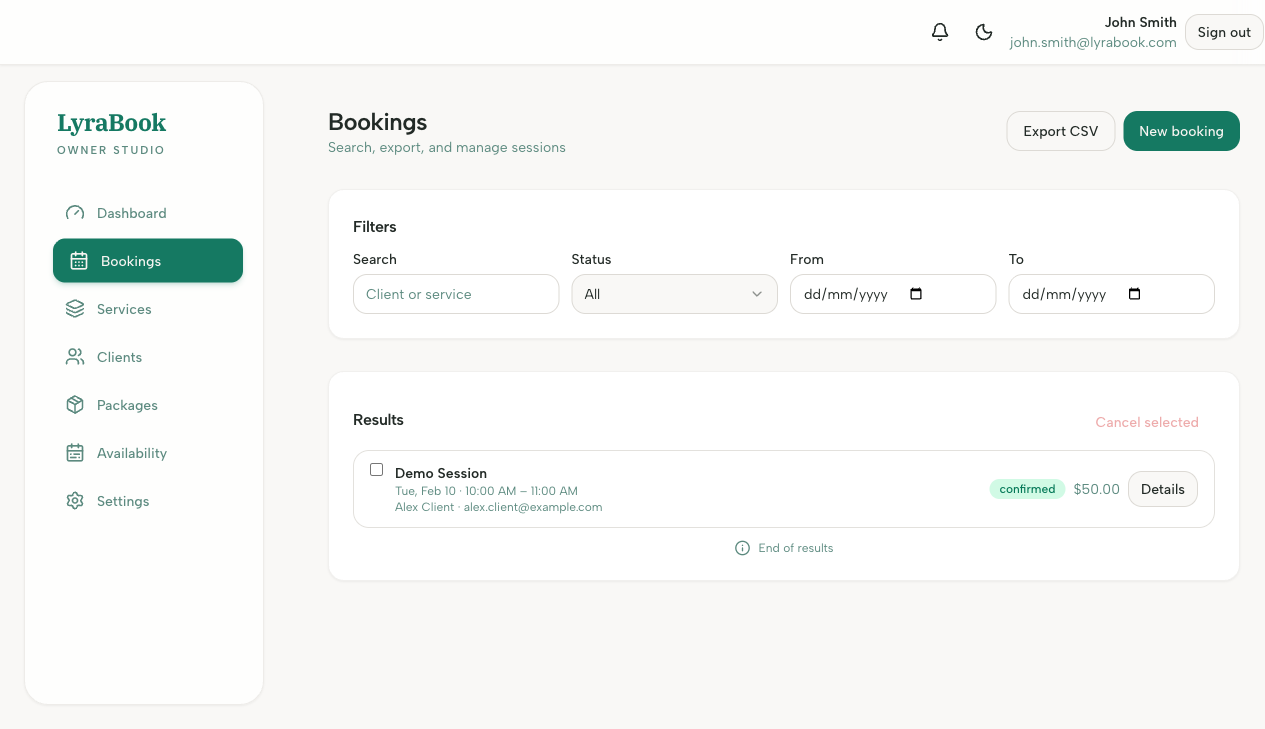
Where: Bookings page (Create booking action).
Steps
- Go to Bookings.
- Click New booking (or similar).
- Select the service
- Add a date
- Choose the client or enter client details.
- Confirm and save by selecting Create booking
Notes
Use this when you schedule something offline and want it to appear in your bookings list and calendar.