Last updated: March 18, 2026
Goal: Cancel multiple bookings at once (e.g., illness, holiday, emergency).
Where: Bookings (bulk actions) or availability override workflow.
Steps
- Go to Bookings.
- Select the bookings you want to cancel (checkboxes)
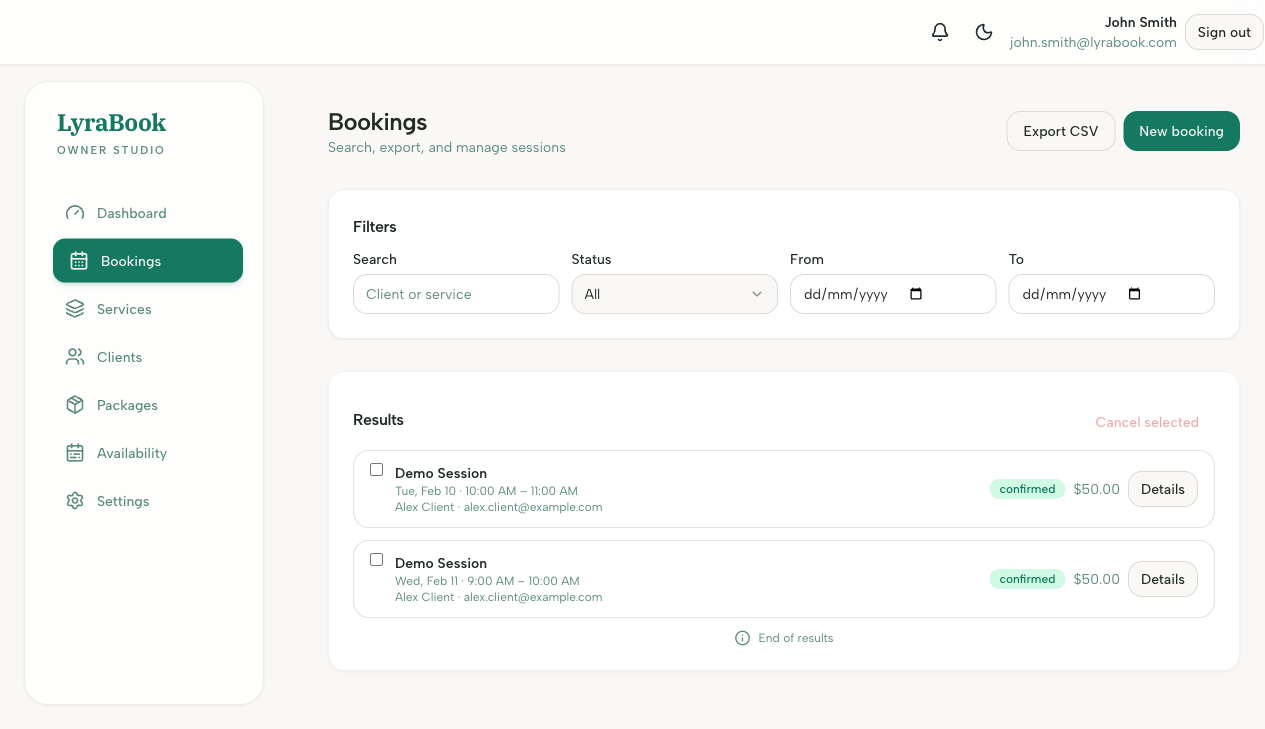
- Choose Bulk cancel.
- Confirm cancellation and any client notification prompts.