Last updated: March 18, 2026
Goal: Update your card, download invoices, or cancel your subscription.
Where: Billing → “Manage subscription” / Billing portal.
Steps
- Go to Billing.
- Click Manage subscription (or Open billing portal).
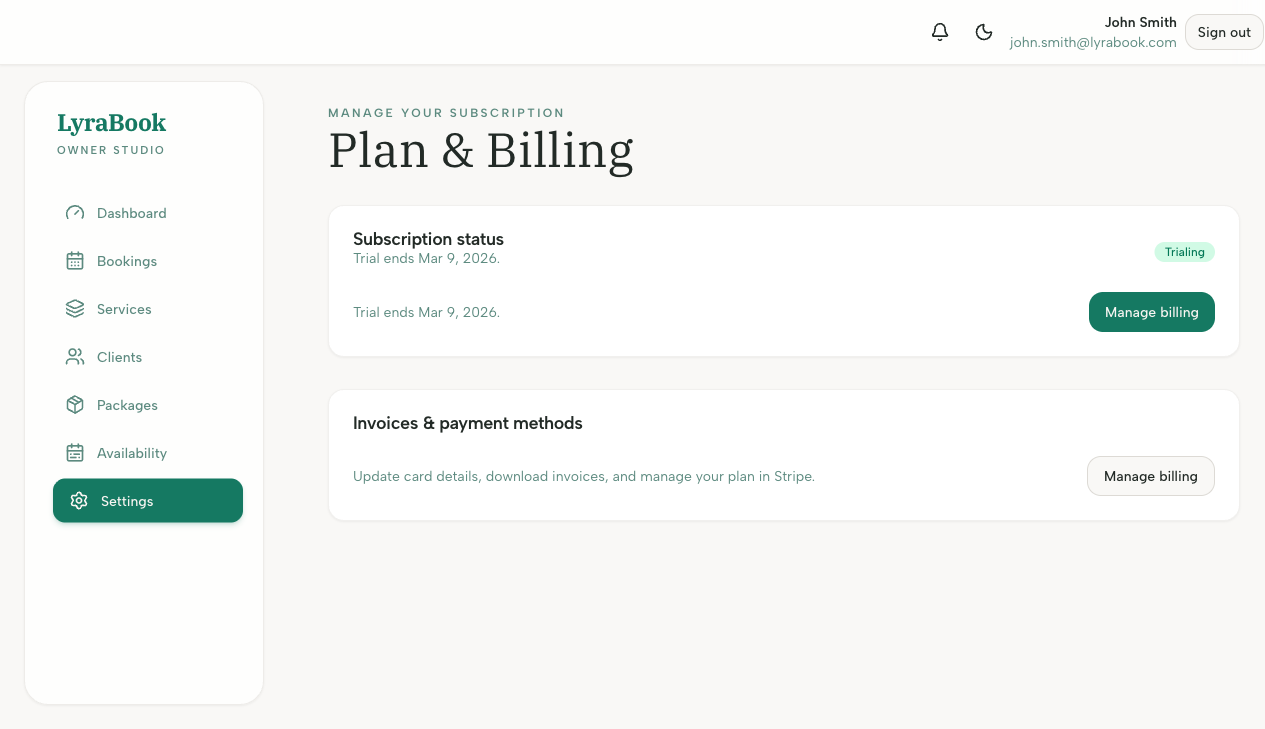
- Update payment method, view invoices, or change/cancel your plan.
- Return to the app to confirm any changes are reflected.