Last updated: March 18, 2026
Goal: Add an extra layer of security using an authenticator app.
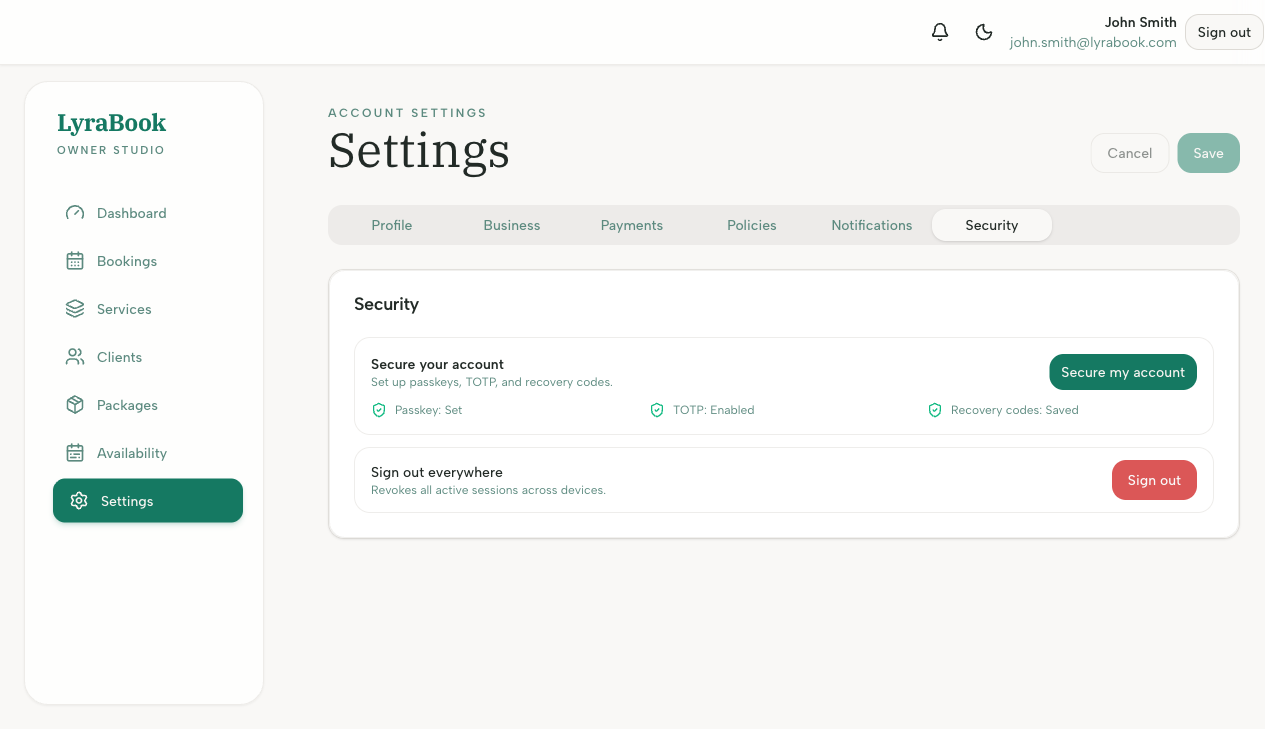
Where: Settings → Security (2FA / TOTP).
Steps
- Go to Settings → Security > Secure my account.
- Enable Two-factor authentication (TOTP).
- Scan the QR code with your authenticator app (e.g., Google Authenticator, 1Password).
- Enter the 6-digit code to confirm.
- Save your recovery code somewhere safe.
Notes
If you lose access to your authenticator, your recovery code is a one-time emergency way to regain access.