Last updated: March 18, 2026
Goal: End all active sessions if you suspect your account was accessed or logged in on a shared device.
Where: Settings → Security → Sessions.
Steps
- Go to Settings → Security.
- Find Sign out everywhere (or similar).
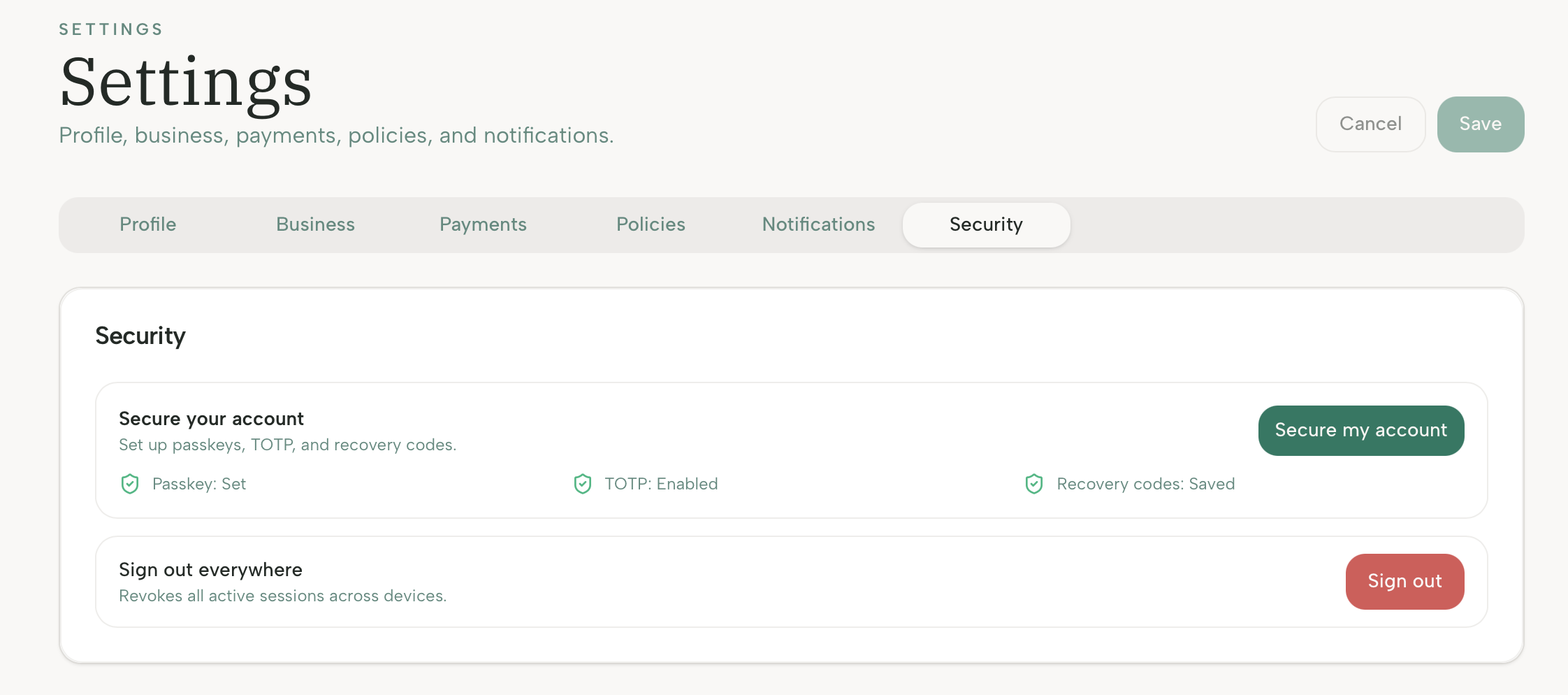
- Click Sign out.
- Sign back in with your registered secure sign-in method. We strongly recommend passkeys for fast a secure login.